Quick answerA donor-funded VR or virtual lab tender is won or lost on three things most integrators underestimate: a complete, line-by-line bill of materials; manufacturer authorization and certification paperwork; and the supporting infrastructure (UPS, charging cabinets, device management) that the equipment list often buries. If you read the specification table the way the evaluator scores it — mandatory versus optional, equivalent-or-superior, current models only — you stop losing bids on technicalities and start competing on solution quality.
If you are a system integrator chasing a World Bank, UNICEF, or government-funded virtual lab project in an emerging market, the technical specification document is not paperwork to skim. It is the scoring sheet. We design and manufacture the interactive displays and classroom hardware that sit inside these labs, and we read a lot of these tenders alongside the integrators we support. This guide walks through how to read one the way an evaluator does — so the equipment list, the compliance table, and the warranty clauses stop being landmines and start being your edge.
What a virtual lab tender actually asks you to supply
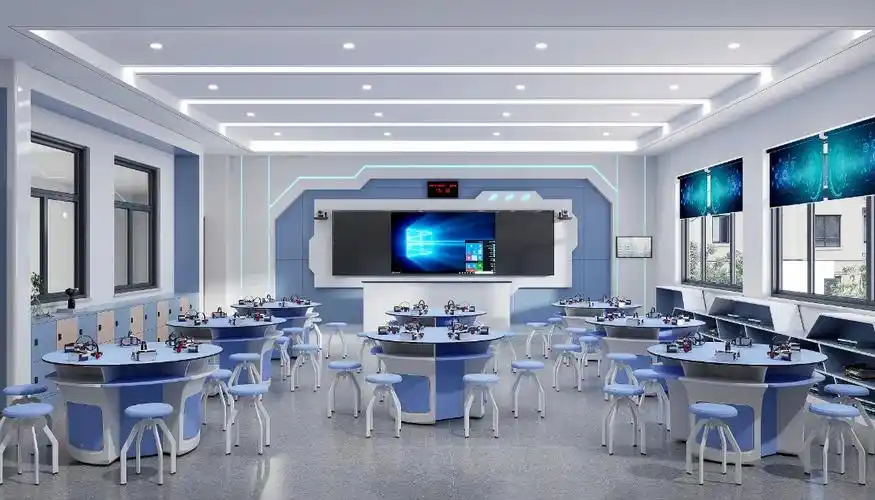
A typical VR or virtual simulation lab tender — the kind funded under national digital-economy programs — is rarely a single device. It is a connected system deployed at scale across many institutions, and the bill of materials reflects that. A representative scope looks like this:
| Item | Why it is in the tender | Where integrators slip |
|---|---|---|
| Standalone VR headsets | The core simulation device for hands-on practice | Missing mandatory specs like passthrough or camera count |
| VR-ready workstations + monitors | Drive content, manage tethered sessions | Under-spec GPU/VRAM against the minimum |
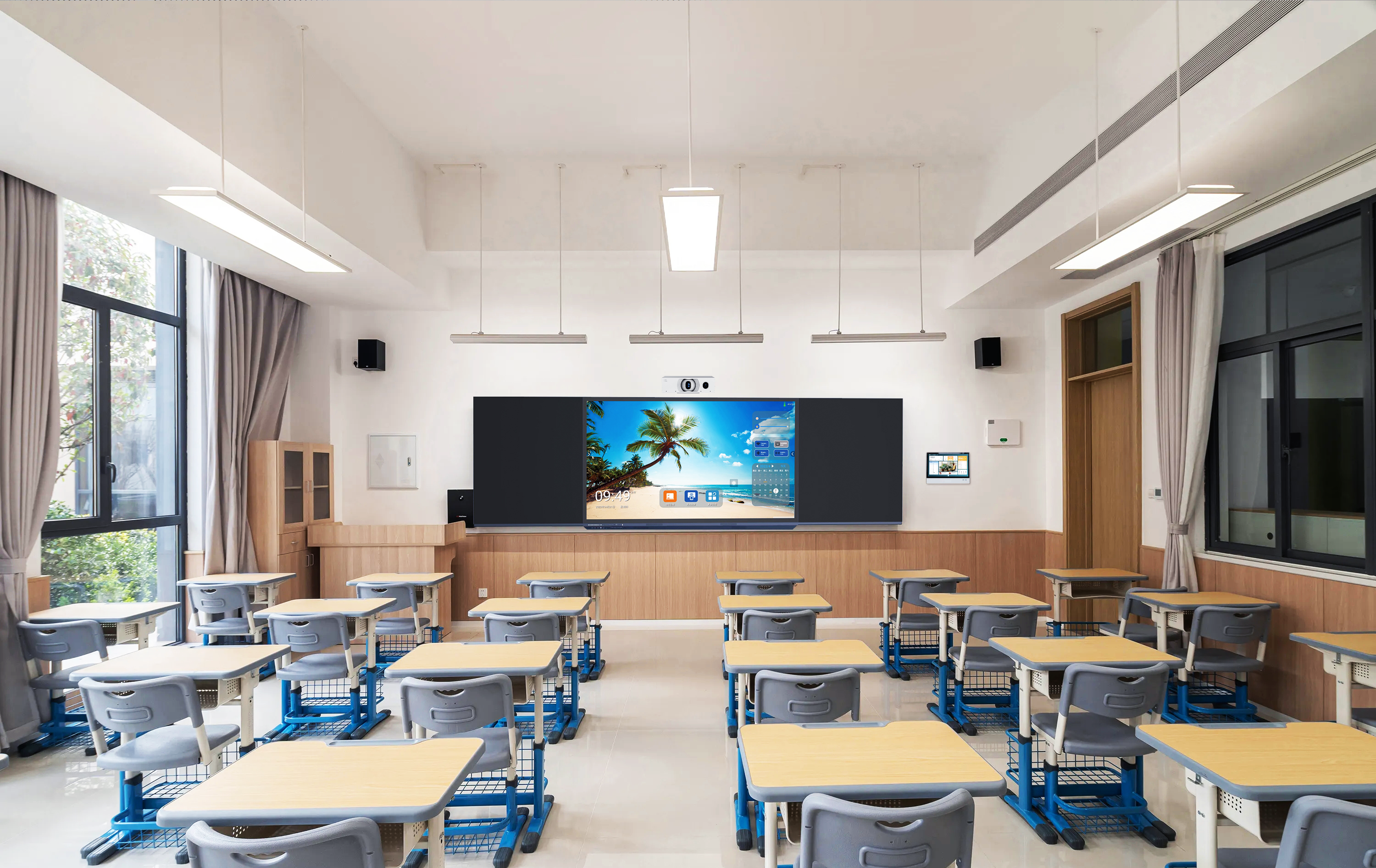
| Interactive flat panel display | Instructor demonstration, group review, briefing screen | Treating audio output as plug-and-play (see below) |
| Charging & storage cabinet | Safe storage and simultaneous charging of headsets | Quoting a generic locker that misses capacity/ventilation specs |
| UPS + surge protection | Backup power and voltage regulation for the lab | Ignoring waveform, capacity, and certification clauses |
| Device management software | Content distribution, remote control, offline sync | No answer for low-connectivity environments |
The lesson: the evaluator is buying a working lab, not a pile of boxes. A bid that quotes every line but cannot explain how the pieces connect — power, audio, content, management — reads as a price list, not a solution.
How to read the compliance table the way the evaluator scores it
Most VR lab specifications come as a Comply / Partially Comply / Not Comply table, with each line marked Mandatory or Optional. Three reading rules decide whether your bid survives the first cut:
- Mandatory is pass/fail. Miss one mandatory line — minimum RAM, minimum per-eye resolution, a required certification — and many evaluations disqualify the whole bid before scoring anything else. Map every mandatory row to a datasheet line before you price anything.
- “Equivalent or superior” is your room to maneuver. Most tenders say bidders may supply equipment “equivalent or superior to” the reference spec. That is permission to propose a better-fitting model — but only if you prove it on paper. Superior with no datasheet is just a claim.
- “New, unused, current models” is a real clause. Donor-funded tenders routinely require the most recent or current models, incorporating recent design improvements. Quoting an end-of-life panel or a discontinued headset to win on price is how bids get rejected at inspection, not at tender.
The interactive display: one engineering detail that catches integrators
VR lab specs almost always include a large interactive flat panel — commonly 75-inch or 86-inch, 4K, 20-point touch, with an OPS slot and “external audio output supported.” Here is the trap. On most interactive panels, that audio output is line-level. It is not amplified. You cannot wire it straight into a passive speaker and expect classroom-filling sound. It must feed an active speaker or an amplifier. Evaluators rarely spell this out, but a lab that fails its audio acceptance test is the integrator’s problem, not the document’s. Spotting this before you quote — and budgeting the active speaker into your BOM — is exactly the kind of engineering judgment that separates a solution partner from a box mover.
The paperwork that wins or sinks the bid
Donor-funded procurement is audited. The evaluator must be able to defend every award. That makes the supporting documents as decisive as the hardware:
- Manufacturer authorization. Tenders frequently demand authentic manufacturer authorization for the equipment. If you cannot get a manufacturer to issue one for the project, you cannot bid that line compliantly — full stop.
- Warranty proof from the manufacturer. Not your own warranty letter — proof that the manufacturer backs the requisite support, often two to three years on devices and three years of spare-parts availability.
- Certifications. CE, FCC, RoHS on equipment; for power systems, expect EN/IEC compliance references. Missing certificates fail mandatory rows.
- Datasheets and brochures. Every compliance claim needs a matching technical datasheet attached. “Comply” with no document behind it is treated as not comply.
This is where the right manufacturing partner changes your odds. An integrator who can get authorization letters, certificate packs, and current-model datasheets turned around quickly — without that manufacturer ever contacting the end client — can assemble a compliant bid in days instead of scrambling for weeks.
Don’t forget the infrastructure the BOM buries
The headsets get the attention; the supporting items get the rejections. A few that quietly carry mandatory specs:
- Charging & storage cabinet: minimum headset capacity, simultaneous-charge capability, ventilation, lockable security, mobility. A generic AV cart will not pass.
- UPS: capacity (e.g. 3000VA-class), pure sine wave output, automatic voltage regulation, and stated EN/IEC standards. Voltage and frequency must match the local grid the lab runs on.
- Device management software: increasingly the make-or-break line in emerging-market deployments — because it has to work where connectivity does not.
That last point deserves its own bid section. Many of these labs sit in institutions with intermittent internet. A management system that assumes always-on cloud connectivity fails in the field. The tenders that get this right ask for a hybrid model — centralized control where there is bandwidth, local sync and offline operation where there is not, plus open APIs so it can talk to the institution’s LMS without proprietary lock-in. If your bid answers the offline question explicitly, you are already ahead of the box-movers who skipped it.
Frequently asked questions
Can I propose a different model than the one named in the VR lab specification?
Usually yes. Most donor-funded tenders allow equipment “equivalent or superior to” the reference specification, precisely so the procurement is not locked to one brand. The condition is proof: every substituted model must meet or beat each mandatory line, backed by a datasheet. Propose a better fit, document it line by line, and you compete on merit rather than on a single named product.
Why does the interactive display in a VR lab need a separate speaker?
Because the panel’s external audio output is typically line-level, not amplified. It carries the signal but not the power to drive a passive speaker directly. To fill a classroom you connect it to an active speaker or an amplifier. Budget that into the BOM up front, or the lab risks failing its audio acceptance test after installation.
What is the single most common reason these bids get disqualified?
Missing documentation on a mandatory line — most often manufacturer authorization, a required certification, or a datasheet that does not actually back the “Comply” claim. The hardware is usually fine; the paperwork sinks it. Build your compliance pack in parallel with your pricing, not after.
Key takeaways
- Read the spec table as a scoring sheet: every mandatory line is pass/fail, and “equivalent or superior” only counts when you prove it with a datasheet.
- The paperwork — manufacturer authorization, warranty proof, certifications, current-model datasheets — rejects more bids than the hardware does.
- Win on the details box-movers miss: line-level display audio, compliant UPS and charging cabinets, and device management that works offline.
Written by the Tralltech Technical Team · Last reviewed: June 2026
Related: Smart Classroom Solution · Offline Education Solution · Talk to our technical team