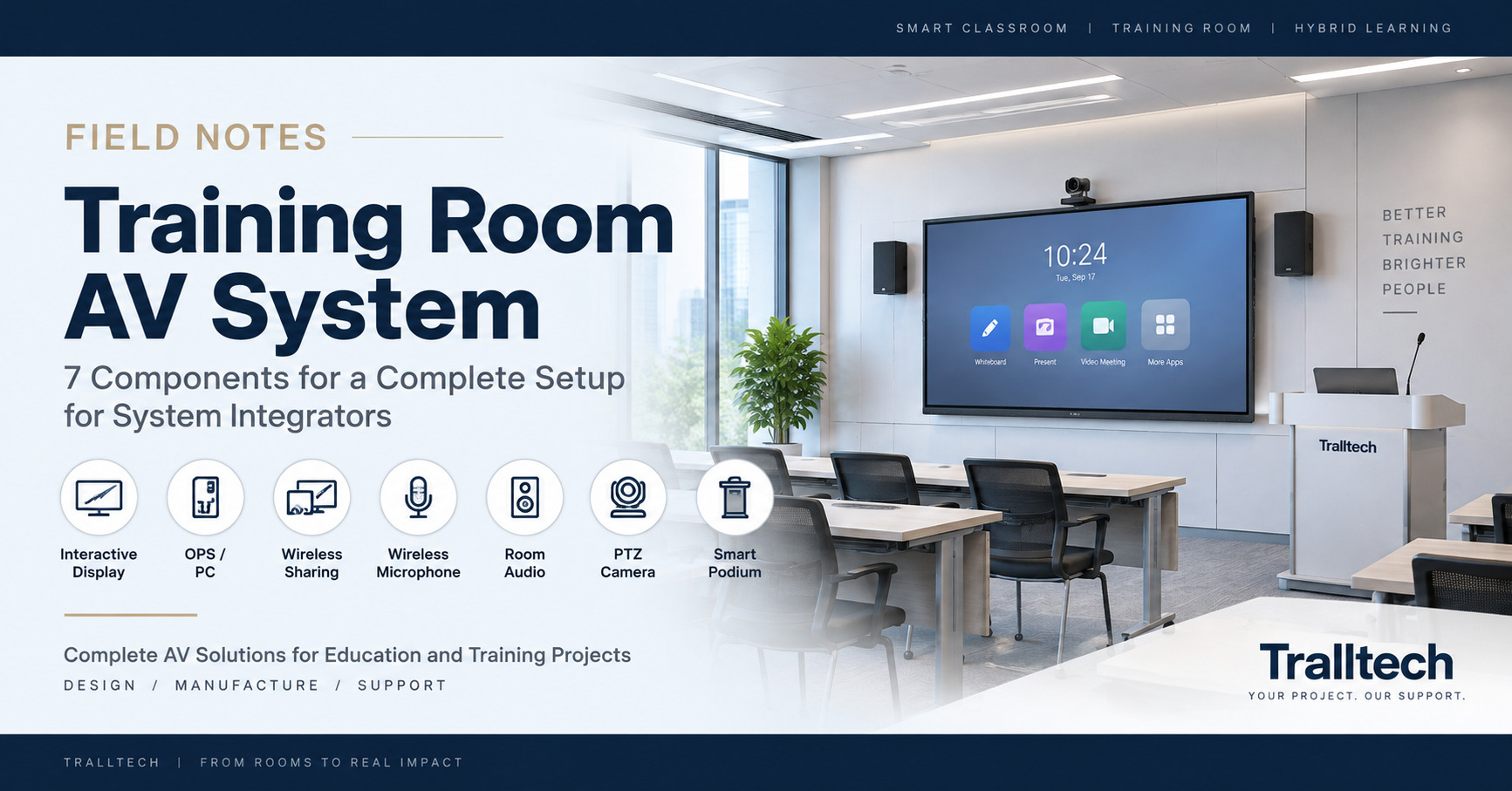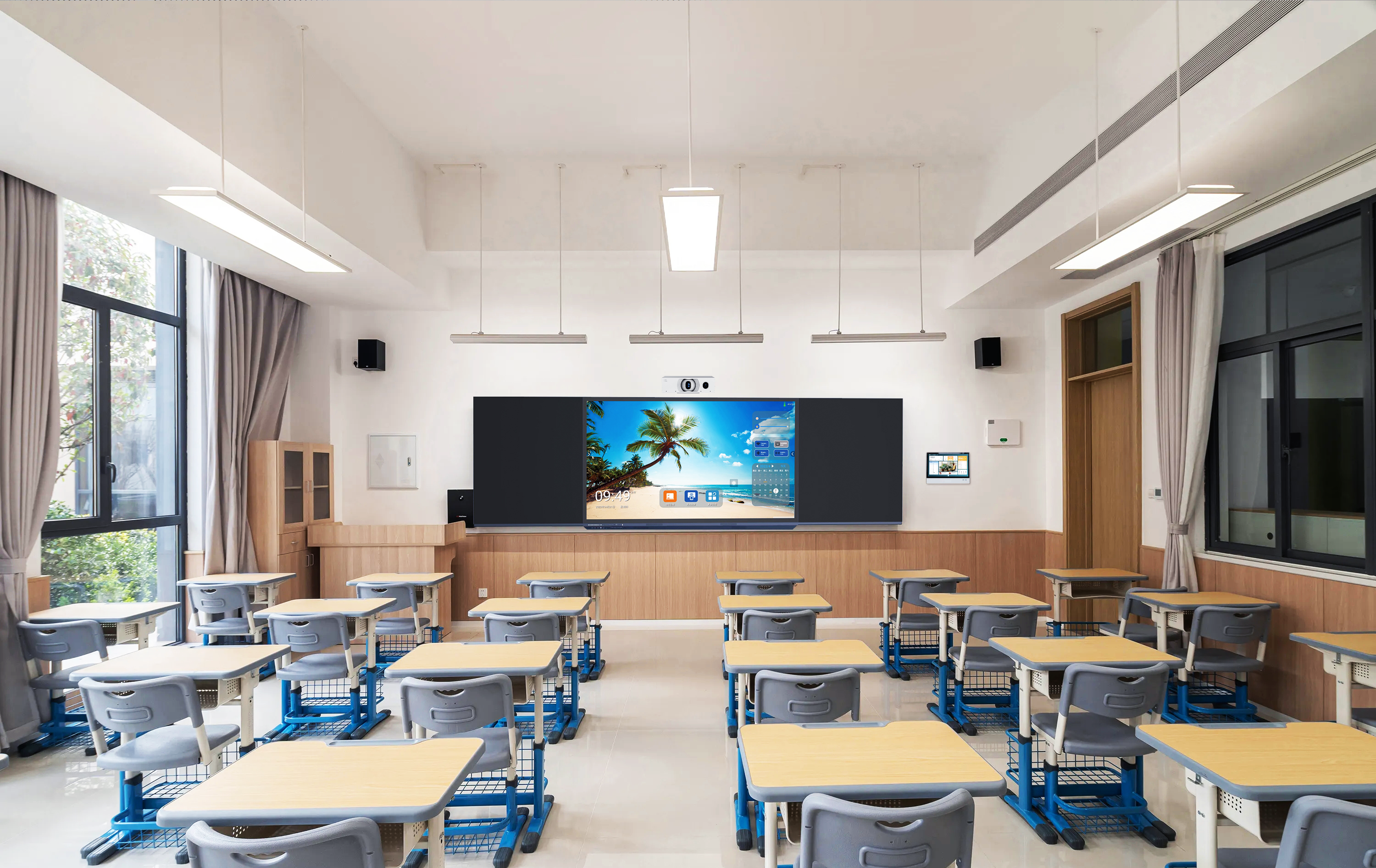
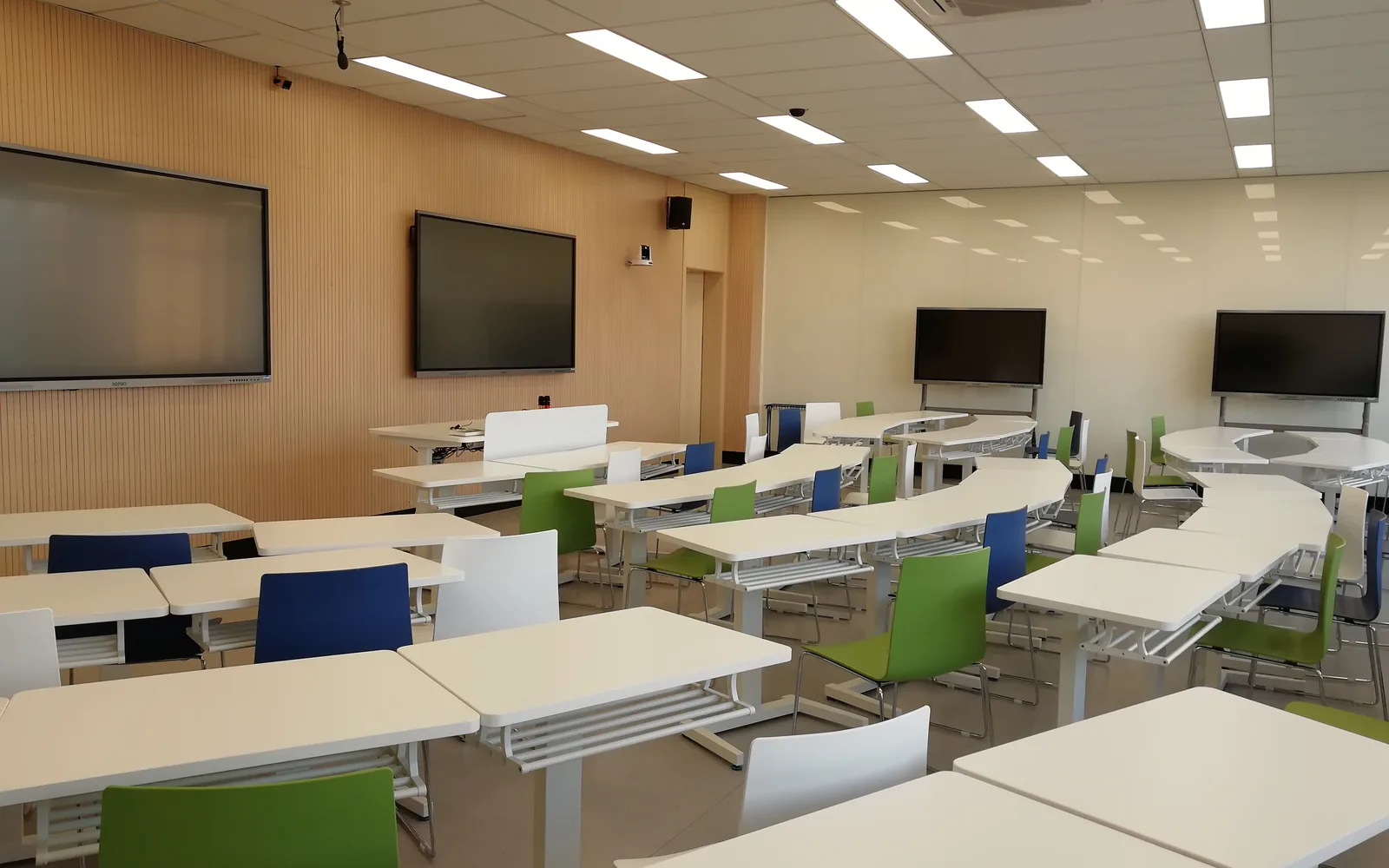
Quick answerA smart classroom is built from six subsystems: display, teaching position, audio, video, control and management, and installation hardware. Scope it in levels, not as one long shopping list. Level 1 (Essential) is an interactive flat panel, smart podium, wireless microphone and active speakers. Level 2 (Standard) adds a camera, document camera, digital signage and device management. Level 3 (Advanced) adds a Windows OPS module, student tablets, a charging cart and collaboration tables. The items integrators most often forget are not the screen — they are the active speaker, the PoE switch, and the UPS.
🔒 We never contact your end clients. You quote the school, you sign the contract, you install. Tralltech stays behind you as the technical back office — this list is written for system integrators and project companies, not for end users.
“What equipment does a smart classroom need?” is the wrong question. The right one, if you are a system integrator scoping a project, is: at this budget, what belongs in the room, what can be dropped, and what will break the install if I drop it? That is what this equipment list answers. Each level below is a complete, working room — not a feature wishlist — so you can scope a bill of materials against your client’s budget and defend every line of it. It maps directly to our smart classroom deployment levels.
Free download
Download the Smart Classroom Equipment List PDF
The Equipment List & Tender Specification Template: the full list for all three deployment levels, plus paste-ready specification clauses for display, podium, audio, camera, device management and bidder qualification — with the engineering reason behind each clause. No email required.
10 pages · English · Updated August 2026
Level 1 — Essential: one screen, plug in, teach
This is the entry level: replace the blackboard, get the teacher running, keep the bill of materials tight. It suits primary and rural schools, and first-time AV projects where the client needs to see the room work before funding anything bigger.
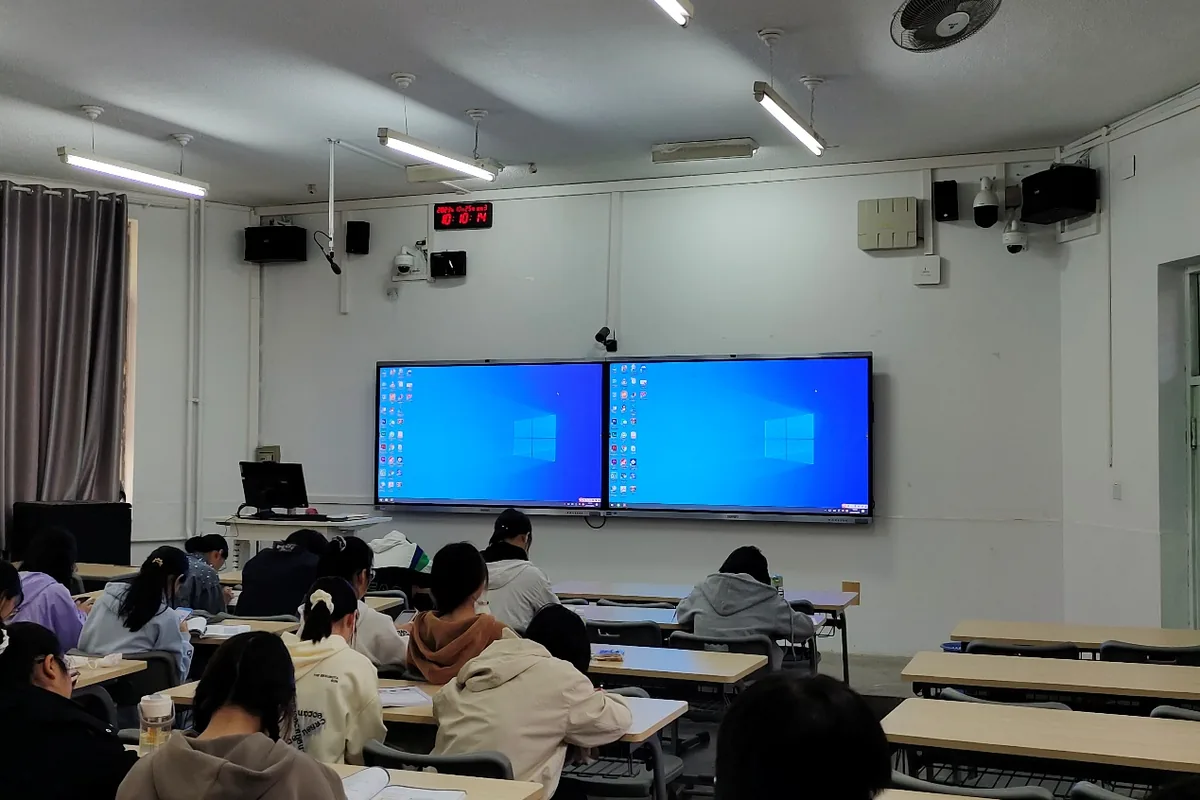
- Interactive flat panel (65″–75″). The hub of the room. Size it to the farthest viewer, not the floor area.
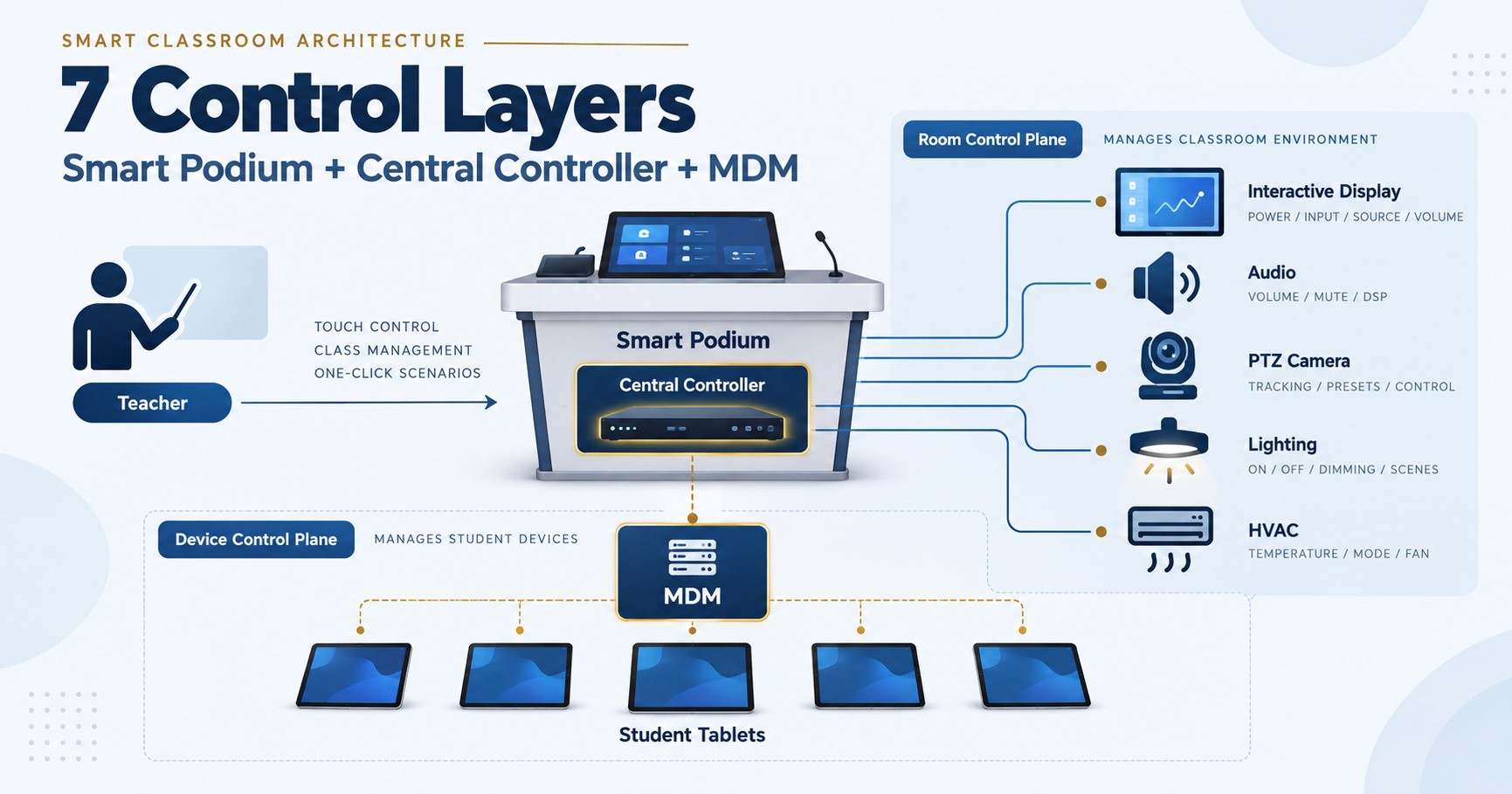
- Smart podium. The teacher’s control centre — where the lesson is actually driven from.
- UHF wireless microphone. Voice lift so the back row hears the teacher without shouting. Tenders often write this line as a soundfield amplification system with lapel microphone.
- Active speakers. Not optional — see the audio rule below.
- Wireless screen share. The cheapest line on the list and the one teachers touch every lesson.
- Wi-Fi access point and UPS backup power — optional on paper, mandatory in practice on an unstable grid.
Level 2 — Standard: the room that sells a system, not a screen
This is the level where you stop quoting a display and start quoting a classroom — and it is where the margin lives. It suits middle and high schools, government training centres, and any client who wants recording or hybrid teaching. On top of everything in Level 1:
- PTZ camera + recording. Captures the teacher for hybrid classes and lesson recording. Check the panel first — on some models the camera is built in.
- Document camera. For showing physical worksheets, textbooks and lab materials on the panel — still one of the most-used devices in a real classroom.
- Digital door signage. Timetable and room status outside the door; cheap, visible, and a favourite line item with government buyers.
- MDM + launcher. Central device management, OTA updates and a consistent classroom UI. This is what turns twenty rooms from twenty support tickets into one dashboard.
- Conference speakerphone (optional) — required once the room runs live hybrid classes, for the echo-cancellation reason explained below. Its 8-microphone array replaces separate ceiling mics.
Level 3 — Advanced: 1:1 devices and a managed campus
Universities, ministry rollouts and multi-room campuses. On top of Level 2:
- Larger panel (86″–110″) and a dual-screen podium. Tenders describe this lectern as a double screen smart podium with mobility.
- Windows OPS module. Slots into the panel so the room runs Windows alongside Android — usually a hard tender requirement at university level.
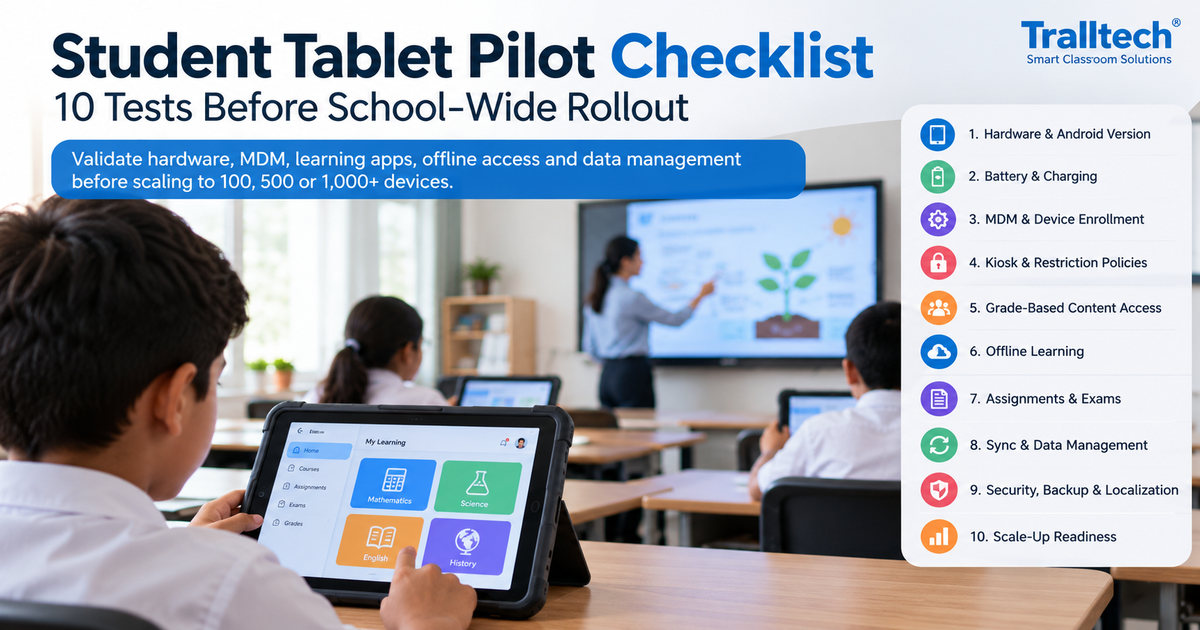
- Student tablets + charging cart. This is what makes it 1:1 learning rather than a presentation room.
- Collaboration tables for group work.
- 4K NDI PTZ camera where the room feeds a recording server — or no separate camera at all, if the panel already has one (see the 110″ note below).
- Audio hub. Routes panel, OPS, microphone and call audio into one controlled signal path.
The full smart classroom equipment list, by category
The same three levels, expanded into every line you would actually put in a bill of materials, grouped by category. Print this section and you have a scoping checklist for one classroom.
| Component | Role in the room | L1 | L2 | L3 |
|---|---|---|---|---|
| Display | ||||
| Interactive flat panel (65″–110″) | Central hub of the classroom | ✓ | ✓ | ✓ |
| Wall mount or mobile trolley | Trolley where the wall cannot take the load — tenders call it an electric height-adjustable interactive display trolley | ✓ | ✓ | ✓ |
| Teaching position | ||||
| Smart podium | Teacher control centre | ✓ | ✓ | ✓ |
| Double screen smart podium with mobility | Dual-screen mobile lectern for lecture rooms | — | — | ✓ |
| Computing | ||||
| OPS computing module (i5) | Runs Windows inside the panel | optional | optional | ✓ |
| OPS computing module (i7) | Labs, design software, video editing | — | — | ✓ |
| Classroom audio | ||||
| Active loudspeakers | Required — panel audio is line-level | ✓ | ✓ | ✓ |
| Active wall speaker | Coverage for wider or deeper rooms | — | ✓ | ✓ |
| Amplifier + passive speakers | Where the design uses ceiling or passive speakers | — | optional | ✓ |
| Audio hub | Routes panel, OPS, mic and call audio into one path | — | — | ✓ |
| Microphones | ||||
| Wireless microphone (lapel or handheld) | Teacher voice lift | ✓ | ✓ | ✓ |
| Second handheld for student response | So the far end hears student questions | — | — | ✓ |
| Camera and hybrid audio | ||||
| Built-in panel camera (factory option) | 13MP or 48MP AI inside the panel; specified at order | — | ✓ | ✓ |
| PTZ camera | Where no built-in camera was ordered | — | ✓ | ✓ |
| 4K NDI PTZ camera | USB and IP at once — call and recording from one camera | — | — | ✓ |
| Conference speakerphone | Echo cancellation for hybrid calls; 8-mic array built in | — | optional | ✓ |
| Presentation and capture | ||||
| Wireless screen share | Laptop or tablet to panel without cables | ✓ | ✓ | ✓ |
| Document camera | Show physical materials on screen | — | ✓ | ✓ |
| Network and power | ||||
| Wi-Fi access point | PoE-powered — needs a PoE switch | optional | ✓ | ✓ |
| UPS backup power | Protects panel and podium on weak grids | optional | optional | ✓ |
| Cables, connection plate, floor box | Termination at the teaching position | ✓ | ✓ | ✓ |
| Furniture and classroom devices | ||||
| Digital door signage | Timetable and room status | — | ✓ | ✓ |
| Student tablets + charging cart | 1:1 learning | — | optional | ✓ |
| Collaboration tables | Group work layouts | — | — | ✓ |
| Control and management | ||||
| Launcher + OTA updates | Consistent classroom UI, remote updates | — | ✓ | ✓ |
| MDM / device management | Twenty rooms on one dashboard instead of twenty tickets | — | ✓ | ✓ |
One line that is not in the table on purpose: the PoE network switch. It is supplied by you, the integrator — it sits outside the equipment manufacturer’s bill of materials, and it is the single most common reason a commissioning day goes wrong.
The same list, grouped by subsystem
A smart classroom is not a shopping list of products — it is six subsystems that have to work together. Checking a bill of materials against these six is how you find the hole before it becomes a variation order on site.
- Display. Interactive flat panel · wall mount or trolley · connection plate and cabling.
- Teaching. Smart podium · OPS module or teacher PC · whiteboard and annotation software.
- Audio. Active speakers or amplifier and passive speakers · wireless microphone for voice lift · conference speakerphone for call audio · audio hub for routing.
- Video. Built-in panel camera or PTZ camera · 4K NDI camera where a recording server is involved · document camera.
- Control and management. Wireless screen share · launcher and OTA · MDM and classroom control · LMS integration where the school already runs one.
- Furniture, power and installation. Mounts and trolleys · charging cart · UPS · access point and network drop · cable management.
Eight integration rules that decide whether the room works
These are the details that separate an equipment list that installs cleanly from one that generates change orders. Each one either adds a line, removes a line, or decides who supplies it.
- Panel audio is line-level only. It must feed an active speaker or an amplifier — never a passive speaker directly. If the BOM has no active speaker, the room is under-powered on day one, no matter how good the panel is.
- The access point needs a PoE switch, and it is not in our BOM. The switch lives in the network cabinet and is supplied by the integrator, deliberately, because brand and port count are usually fixed by the school’s existing network. Confirm PoE budget and free ports before shipment.
- A hybrid class needs two separate audio paths. The wireless mic and active speakers handle voice lift in the room; the far-end call audio runs through the conference speakerphone with built-in echo cancellation. Mix those two paths into one and remote students hear an echo — the most common complaint on hybrid rooms.
- The PTZ camera outputs USB and IP at the same time. Use USB as the source for Zoom or Teams on the panel, and the IP/RTSP stream to feed the recording system. Designing it that way removes source-switching conflicts entirely.
- A 110″ panel with a built-in AI camera and mic array replaces the PTZ camera. Check the panel spec before you quote a camera you don’t need — it is a line item you can hand back to the client as a saving.
- On other panel sizes the camera is a factory option, not a field upgrade. It is specified when the panel is ordered and cannot be added on site later. If no camera is specified, budget a PTZ camera and a conference speakerphone instead.
- The conference speakerphone already contains its microphones. Its 8-mic array covers the room; adding ceiling microphones alongside it duplicates cost and creates pickup conflicts. Specify one or the other.
- A single classroom runs fine on one flat PoE network. VLAN and QoS planning only becomes necessary at multi-room or campus scale — don’t over-engineer one room, and don’t under-engineer twenty.
What the integrator supplies, not the manufacturer
We ship equipment, solution design, tender specifications and technical support. Local delivery is yours. Writing this split into your own bid protects your margin and prevents a scope argument at handover.
- PoE switch and network cabinet
- Structured cabling, conduit and trunking
- Mains sockets, breakers and earthing
- Wall reinforcement and any civil works
- Internet service and school LAN
- Curriculum content and LMS course material
- Installation, commissioning and teacher training on site
- Import duties and local clearance
How to pick the level — and grow it later
Match the level to the client’s budget and to what the room will actually be asked to do. Most projects that arrive as “we need a screen” belong at Level 1; most that mention recording, hybrid, or “managing all the rooms centrally” are already Level 2 whether the client knows it or not.
Scope it in blocks and the account grows. A room delivered at Level 1 exposes its own gaps once teachers use it: no way to show a worksheet, no recording, no central management. That is when the same client comes back for the document camera, the OPS module, or the MDM — and you are the integrator already holding the relationship. Where the site has poor connectivity, the offline-first variant swaps the cloud for a local content server and tablets; see the Offline Education Solution. When you’re ready to turn the list into a defensible bid, the next step is writing it up properly — see how to write smart classroom tender specifications.
Editable version
Need the Excel BOM that calculates quantities?
The editable version takes your room count and deployment level and returns quantities, so you can price fifteen classrooms without rebuilding the sheet by hand. It carries no prices and no branding, so you can put your own in.
Tell us the project size — how many rooms, what size, and which level the tender asks for — and we send it back within 24 hours, together with the factors that move the cost on a project that size.
Frequently asked questions
What equipment is needed for a smart classroom?
Six subsystems: a display (interactive flat panel and mount), a teaching position (smart podium and OPS module), audio (active speakers plus a wireless microphone), video (a camera, only if the room does hybrid or recorded teaching), control and management (wireless screen share, launcher and MDM), and installation hardware (mounts, cabling, network and power protection). A basic room is deliverable with the panel, mount, active speakers and wireless screen share alone.
What is the minimum equipment for a smart classroom?
An interactive flat panel, a smart podium, a wireless microphone and active speakers. That is a complete, working Level 1 room. On sites with an unstable grid, add a UPS — it is nominally optional, but it prevents the reboot complaints that follow you for the life of the project.
Is there a PDF version of this smart classroom equipment list?
Yes — the Equipment List & Tender Specification Template, linked above. It is the same list formatted for attaching to a bid, with paste-ready specification clauses and no email required. An editable Excel BOM that calculates quantities from room count and level is available on request within 24 hours.
What do integrators most often leave off the equipment list?
Three things: the active speaker (because people assume the panel’s built-in speakers are enough), the PoE switch for the access point (because it usually falls outside the equipment supplier’s BOM), and the UPS. All three surface at commissioning, when they are far more expensive to fix.
Does the interactive flat panel include a camera?
On the smaller sizes the camera is a factory-installed option, chosen when the panel is ordered and not installable on site afterwards. The 110″ panel includes an AI camera and an 8-microphone array as standard, which removes both the PTZ camera and the conference microphone from the bill of materials. If no camera is specified on any other size, budget a PTZ camera and a conference speakerphone instead.
Which lines from this list belong in a tender specification?
The lines that are technically verifiable and hard for a competitor to substitute: line-level audio architecture with a stated amplifier output, Google EDLA licensing on the Android panel, camera resolution and whether it is built into the display, PoE requirements, device management and OTA capability, and a requirement that bidders supply a room wiring diagram and full BOM rather than a display price alone.
Can a smart classroom be upgraded from Level 1 to Level 2 later?
Yes, and it should be scoped that way from the start. If the Level 1 room is specified in blocks — display, computing, audio, network, power — then a camera, document camera, OPS module or device management can be added later without re-tendering the room.
Do you sell directly to the schools we are bidding for?
No. We supply system integrators and project companies only, and we never contact your end clients. Solution design, tender specifications, wiring diagrams and technical support come from us; quotation, installation and commissioning are yours. OEM orders start from 10 units if you want the equipment to carry your own brand.
Key takeaways
- Build the equipment list in levels, not as a wishlist — each level should be a complete, working room.
- The forgotten lines are the active speaker, the PoE switch and the UPS — not the screen.
- Level 2 is where you stop selling a display and start selling a system, and where the margin is.
- Scope in blocks so the client can grow from Level 1 to Level 3 without re-tendering — and so the account stays yours.
Download the Equipment List & Tender Spec Template (PDF) →
Written by the Tralltech Technical Team · Last reviewed: August 2026
Related guides: Smart classroom tender specifications · Classroom audio system design · School computer lab equipment list · How to read a digital podium specification
Explore our solution: Smart Classroom Solution