Quick answerGood smart classroom tender specifications do two jobs at once: they describe a room that actually works, and they let you defend every line when the evaluation committee scores bids. The winning move for a system integrator is to write specs that are technically complete — covering the panel, the computing module, audio, mounting and power — yet neutral enough that you are not disqualified for naming a single brand. Get the audio and the “hidden” infrastructure right, and half your competitors will already be non-compliant.
Whether you are helping an end client draft a tender or responding to one that is already published, the specification table is where projects are quietly won and lost. Most integrators focus on the interactive flat panel and treat everything else as an afterthought — and that is exactly where bids fail technical evaluation or blow up during installation. This guide walks through how to write smart classroom tender specifications that pass evaluation, survive delivery, and hold your margin against pure price-cutters.
Why the specification decides who wins — or gets disqualified
Public and donor-funded procurement is almost always evaluated in two stages: a technical compliance check, then a price comparison. A bid that misses a single mandatory line in the technical table can be thrown out before anyone even looks at the price — no matter how good the number is. So a specification is not marketing copy; it is a scoring rubric. Every requirement you write (or answer) becomes a pass/fail box a committee will tick.
This cuts two ways. If you are shaping the client’s requirements, you want specs that are genuinely necessary and verifiable — not padded with brand-locked wording that invites a protest. If you are responding, you want to read each line the way the evaluator will and make sure your quoted equipment maps to it exactly. A clean, defensible specification is the integrator’s best defence against being commoditised down to the cheapest panel in the room.
The core specification blocks every smart classroom tender needs
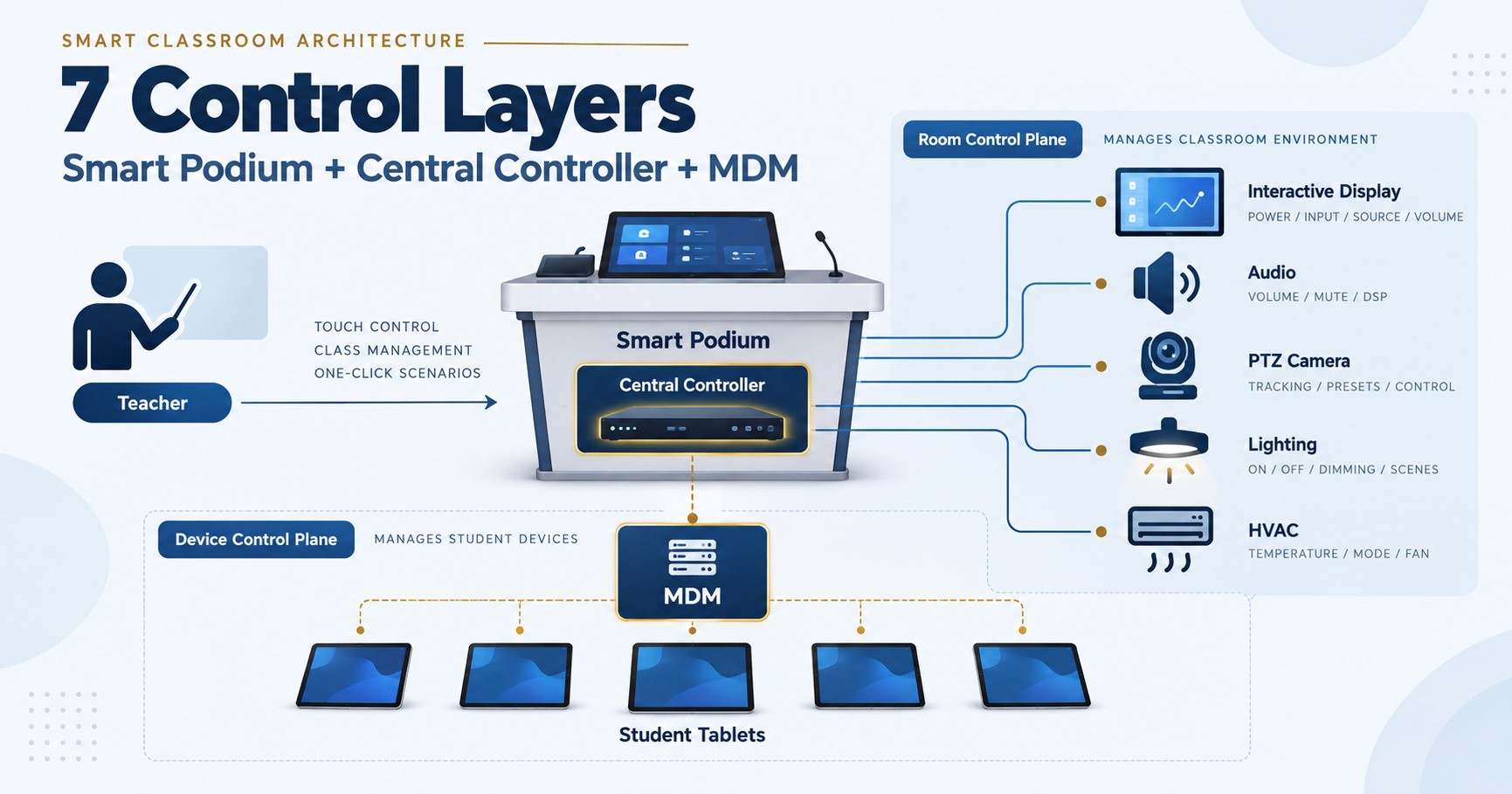
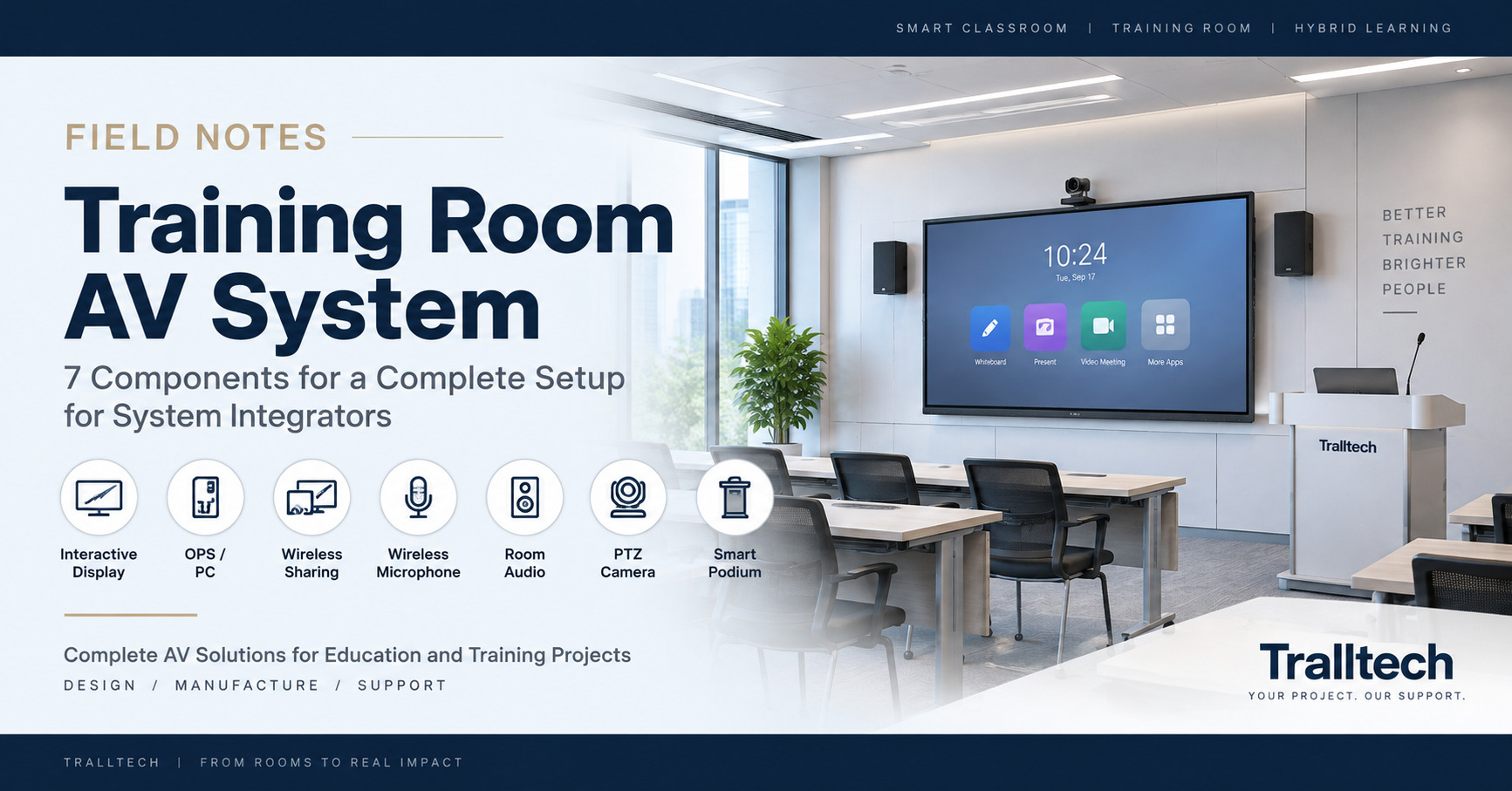
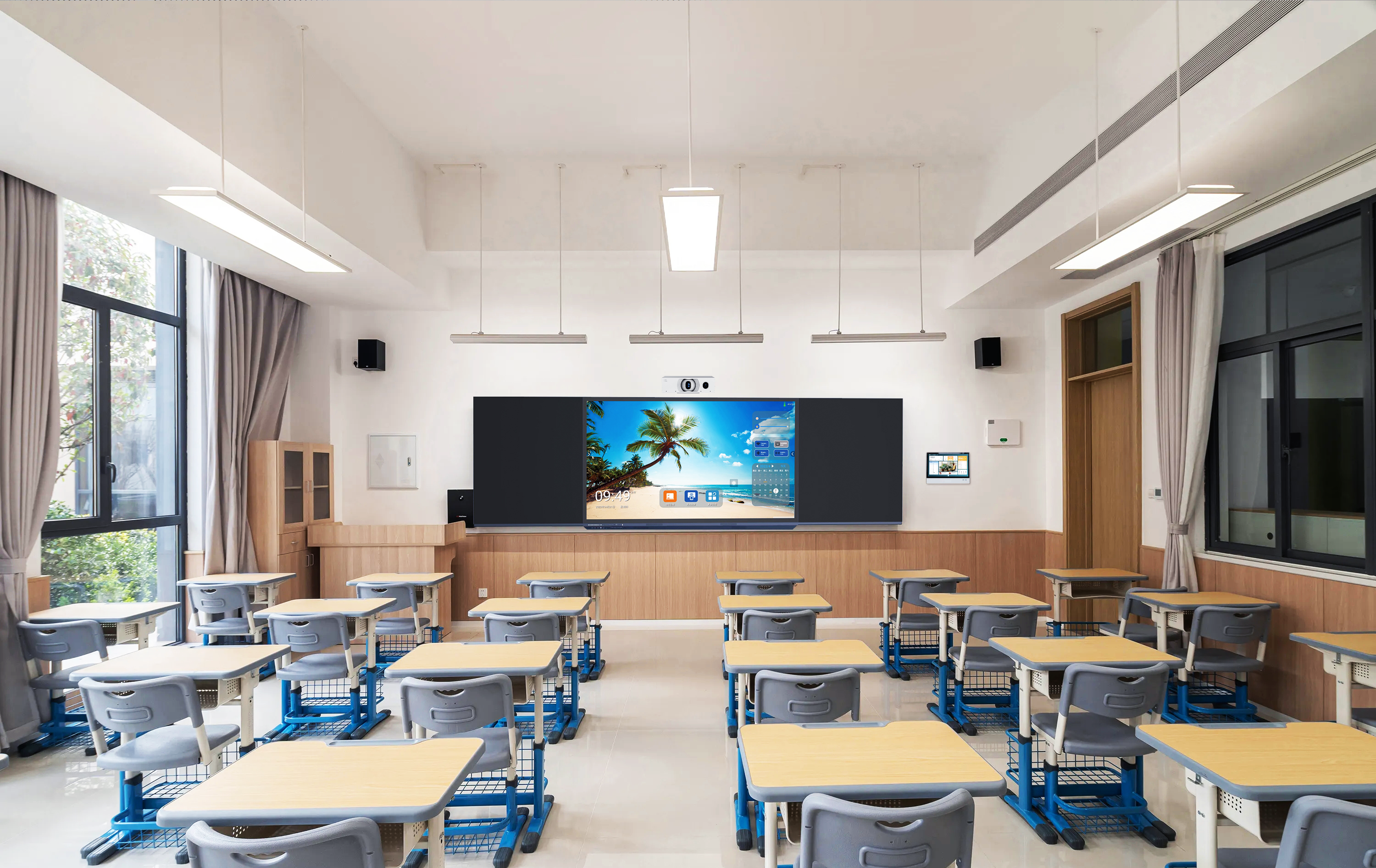
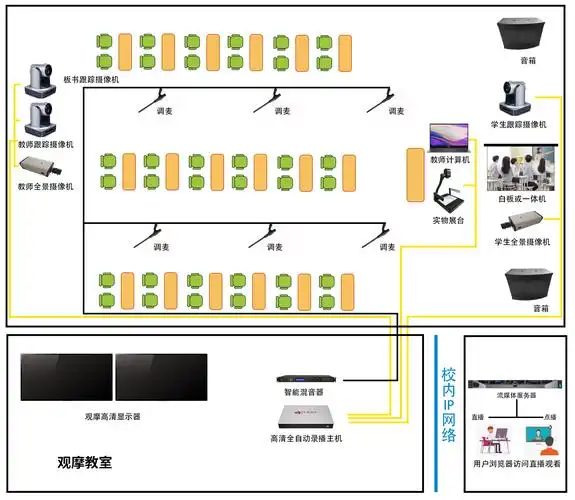
A complete smart classroom specification is not one product — it is a system. Break it into blocks so nothing gets buried, and define each block by function and verifiable minimums rather than by a model number. The table below is the skeleton to work from.
| Specification block | What to define | Common gap |
|---|---|---|
| Interactive display | Screen size range, resolution, touch technology and touch points, panel lifespan | Sizing to the room, not the farthest viewer |
| Computing / OS | Built-in OS, whether an OPS module is required, processor tier, RAM and storage | Over-specifying the CPU generation and paying for it |
| Audio | Coverage for the room size, and an active speaker where the panel output is line-level | Assuming built-in speakers fill a full classroom |
| Mounting | Fixed wall mount or mobile stand, VESA pattern, wall type at each site | Left off the BOM entirely |
| Power & network | UPS backup, socket count, and any PoE switch needed for wireless access points | Grid instability ignored until devices start failing |
| Compliance & warranty | Required certifications, warranty term, and lead time / delivery clause | Cert paperwork not requested, then can’t be produced |
The engineering details buyers routinely leave out
This is where first-hand integration knowledge separates a specification that installs cleanly from one that generates change orders and disputes. A few points we see missed on almost every draft tender:
- Audio is line-level. The audio output on an interactive flat panel is typically line-level, which means it must feed an active (powered) speaker or an amplifier — you cannot wire it straight into a passive speaker and expect usable volume. If the spec does not include an active speaker for anything larger than a small room, the room will be under-powered on day one.
- Wireless access points need PoE. If the classroom includes a Wi-Fi access point, it usually needs a PoE switch to power it. That switch is often outside the equipment supplier’s bill of materials and has to be provided on-site — write it in, or it becomes a nasty surprise during commissioning.
- Google licensing is a choice, not a default. Whether the panel needs Google’s licensed Play Store and Workspace for Education (EDLA) depends entirely on how the client uses Google. Specifying it when it isn’t needed adds cost; ruling it out when the client is Google-first causes rejection at handover.
- Power resilience. In many markets the grid is the weak link, not the hardware. A UPS line in the spec protects the panel and computing module from brown-outs and turns “it keeps rebooting” complaints into a non-issue.
Writing specs that are defensible but not brand-locked
The fastest way to get a tender challenged — or your own bid disqualified — is a specification that quietly describes one manufacturer’s exact model. Evaluators and rival bidders both look for this. Write to minimum performance thresholds instead: a size range rather than one diagonal, a touch-point minimum rather than a proprietary touch name, “certified to the relevant safety and EMC standards” rather than one certificate number. Where a specific capability genuinely matters, justify it in functional terms so it survives a compliance query.
Structure the specification so it can grow, too. A room quoted today as a bare panel almost always reveals gaps once teachers use it — no screen sharing, no device management, thin audio. Writing the spec in blocks lets the same client come back for an OPS module, audio, or device management later without re-tendering the whole room. That is how a single-item purchase turns into a standard smart classroom over time — with you as the integrator who already holds the account.
A pre-submission checklist
Before the specification goes out — or before you submit against one — run it past these:
- Every functional block from the table above is present, with verifiable minimums.
- Audio includes an active speaker sized to the room, not just the panel’s built-in speakers.
- Mounting, UPS, and any PoE switch are on the bill of materials — not assumed.
- Required certifications are named, and you can actually produce the paperwork.
- A lead time and delivery clause is stated, so the schedule is contractual rather than hopeful.
- No single line is written so tightly that it names one product and only one product.
Frequently asked questions
Who usually writes the smart classroom tender specification?
It varies. Sometimes the buyer (a school, ministry, or donor programme) drafts it and integrators respond; often the buyer lacks the technical depth and leans on a trusted integrator to help shape the requirements. If you are that integrator, writing a clean, brand-neutral specification builds the relationship without exposing the client to a procurement challenge — and positions you as the technical authority on the project.
How detailed should the technical specification be?
Detailed enough that every requirement can be verified against a datasheet, but not so detailed that it describes one exact model. Aim for functional minimums — size ranges, performance thresholds, mandatory certifications and warranty terms — with the reasoning stated where a requirement is unusual. That balance passes technical evaluation while staying defensible.
What is the most common mistake in a smart classroom tender?
Specifying the display in detail and treating everything else as an accessory. Audio, mounting, power backup and network infrastructure are where rooms fail at installation and where bids fall out of compliance. Spec the whole system, not just the screen.
Key takeaways
- A specification is a scoring rubric — write it as pass/fail boxes an evaluator will tick, covering the whole system rather than just the panel.
- The details that decide delivery are the ones buyers skip: line-level audio needing an active speaker, PoE for access points, UPS, and correct Google licensing.
- Write to functional minimums, not to one model — brand-locked specs get challenged or disqualified, and block-structured specs let the account grow into a full smart classroom.
Written by the Tralltech Technical Team · Last reviewed: July 2026
Related guides: Lecture Hall Sound System and AV Setup · Smart classroom equipment list · Classroom audio system design
Explore our solution: Smart Classroom Solution