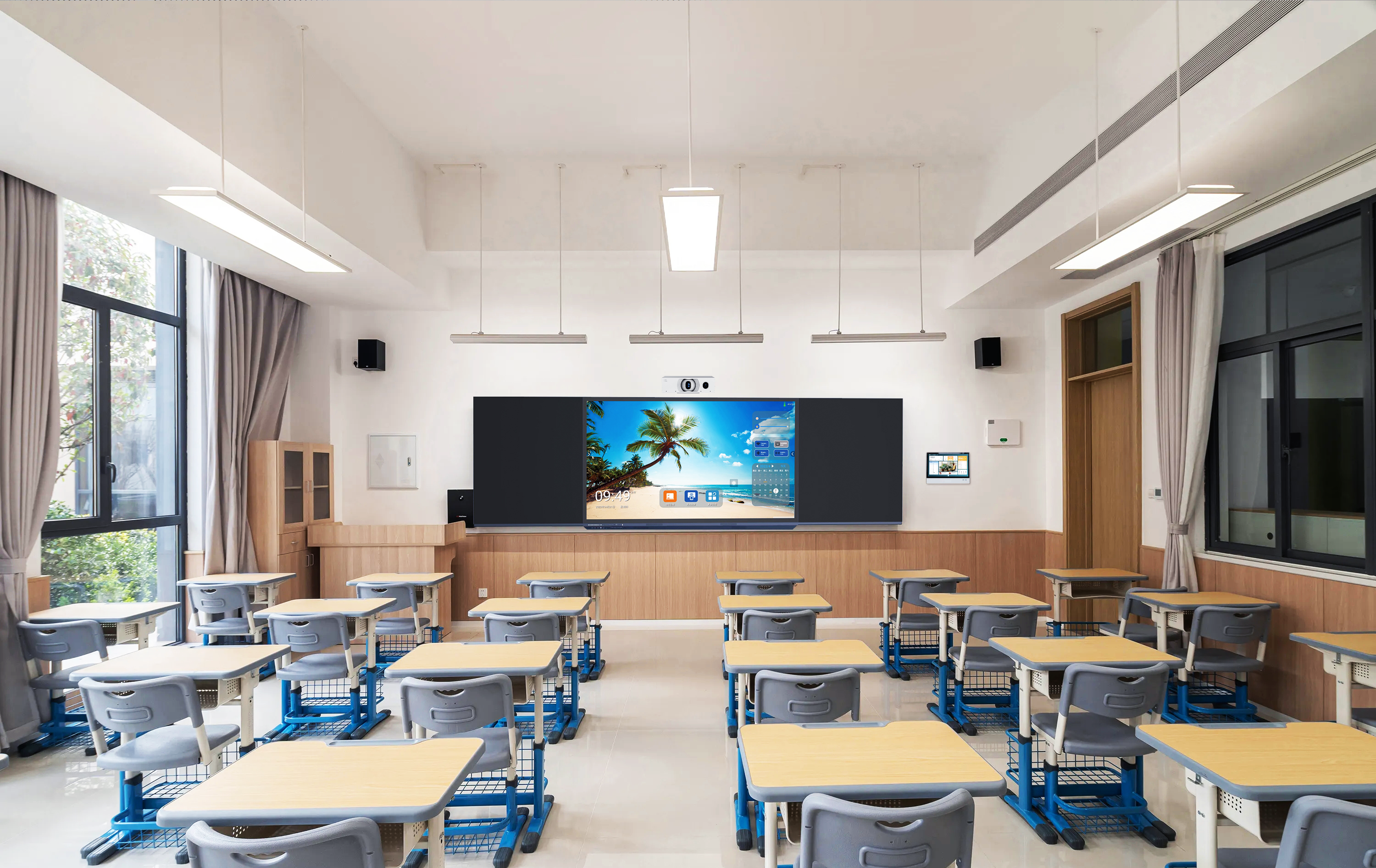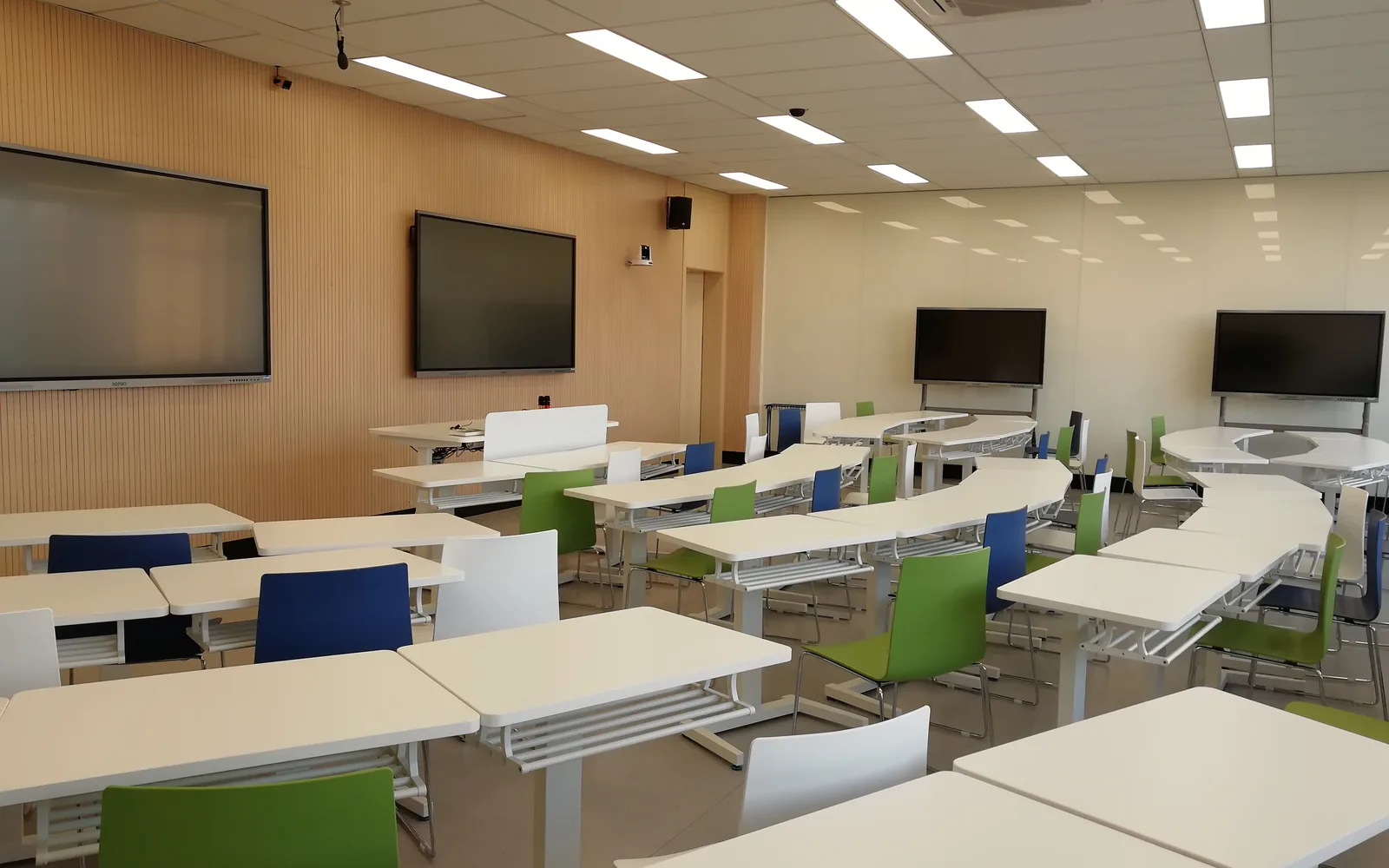

Quick answerA 30-seat school computer lab equipment list is not 30 computers. It is 30 workstations plus a teacher display, a PoE network switch, two access points, a local content server, device management software, secure charging or storage, and enough electrical circuits to carry roughly 3,300 W of continuous load. Tenders that price only the computers fail at commissioning, because the six supporting lines below are the ones that make the room actually work.
Written for system integrators and project companies bidding on school ICT lab and computer lab tenders in Africa, South Asia and Southeast Asia — not for end users. Tralltech designs and manufactures the displays, tablets, audio and power equipment that go into these rooms, and we build the bill of materials alongside the integrators we supply. This guide is the equipment list we work from, plus the lines that get left out of almost every tender we read.
What is a school computer lab equipment list?
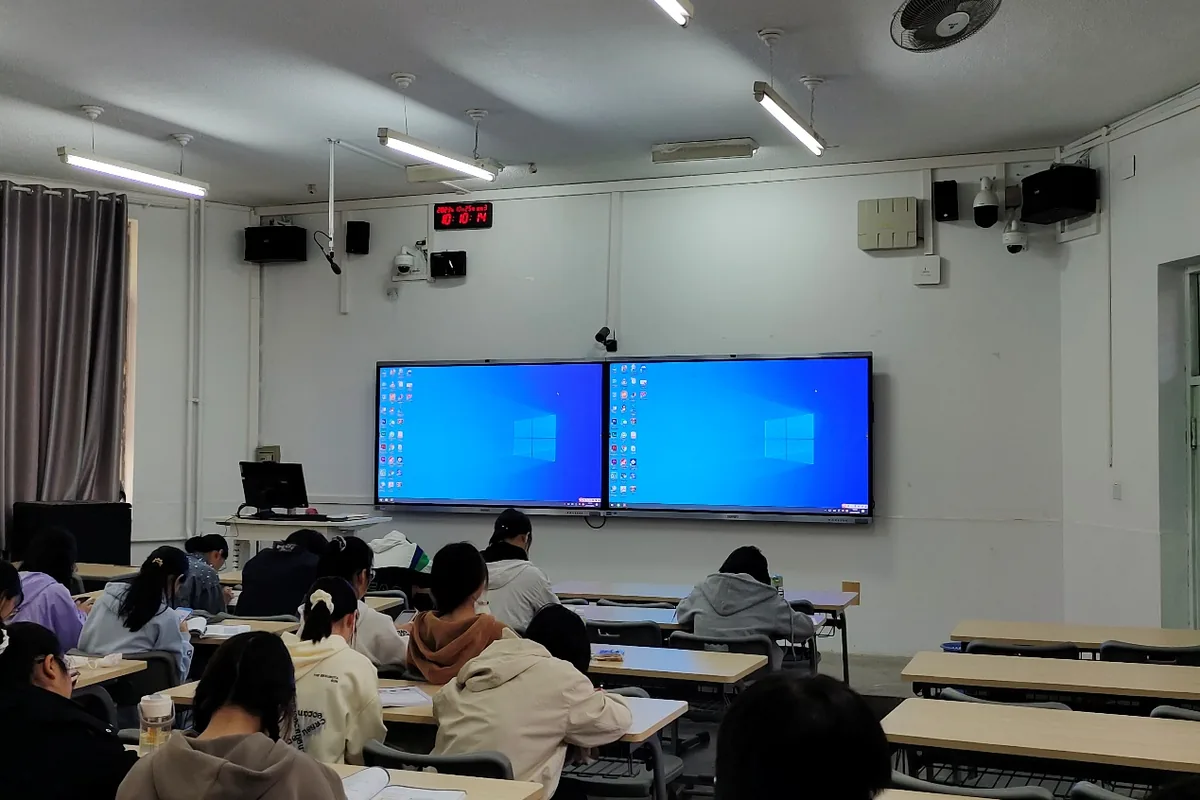
A school computer lab equipment list is the complete bill of materials for one ICT teaching room: the student workstations, the teacher position and display, the network and power infrastructure that connects them, the content and device management layer, and the furniture and security that keep it usable after handover. It differs from an office IT list in three ways — every device is used by a different person each hour, the room is often on an unreliable grid, and in most of these markets it must keep teaching when the internet does not.
That last point is why a computer lab in Nairobi, Kigali or Kathmandu is a different specification from one in Frankfurt, even when the tender text is copied from a European template.
What goes into a 30-seat ICT lab?
Here is the working list Tralltech uses when an integrator sends us a 30-seat requirement. Quantities assume one teacher and 30 students, one device each.
| Line | Qty (30 seats) | What to specify |
|---|---|---|
| Student workstations | 30 | Desktop, mini PC or tablet — see the comparison below. State RAM, storage, OS and warranty period. |
| Monitors | 30 | 21.5″–24″ is standard. Omit entirely if the lab is tablet-based. |
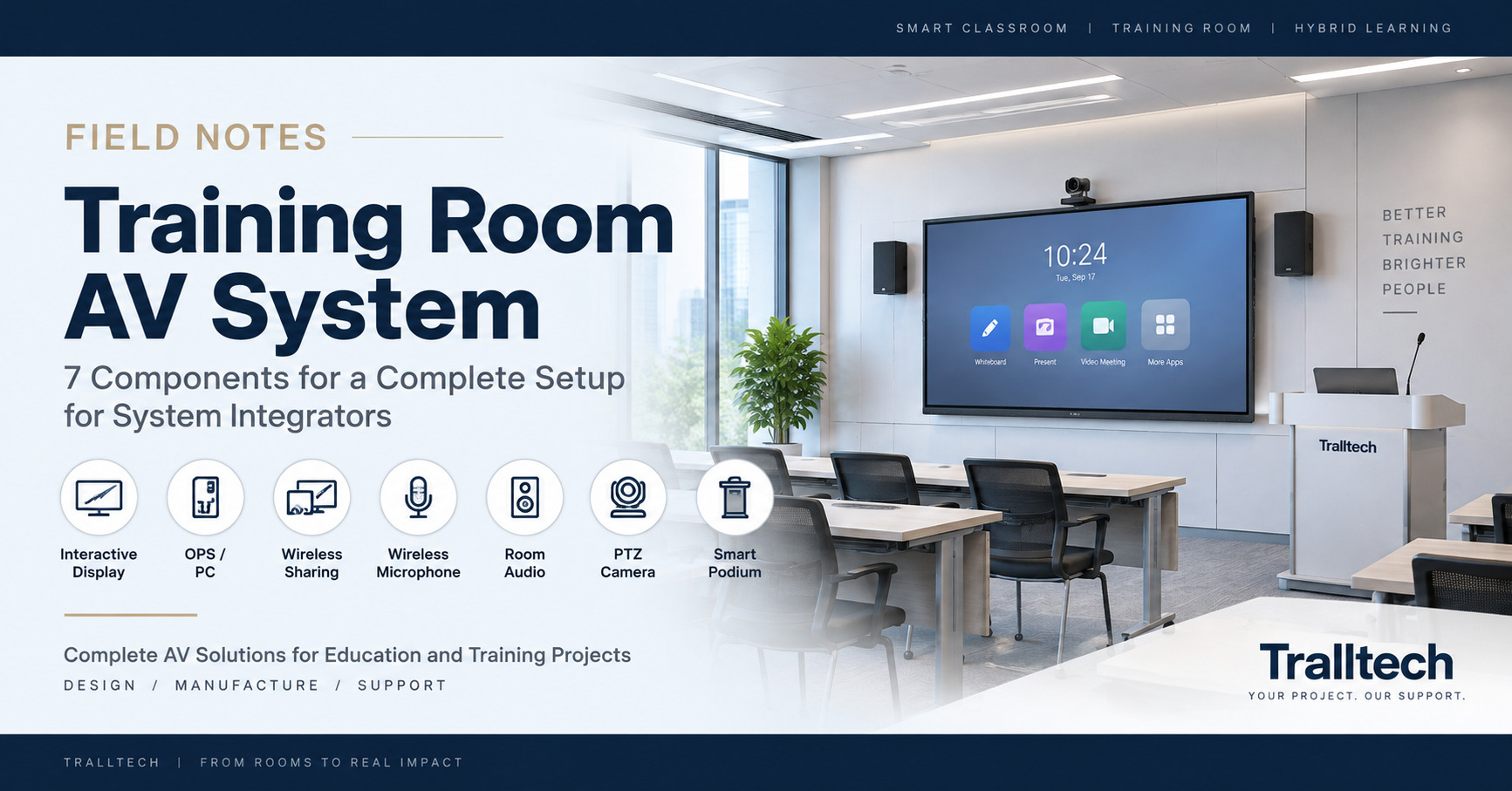
| Teacher display | 1 | 75″ or 86″ interactive flat panel, 4K, OPS slot, line-level audio output. Sized by back-row distance. |
| Room audio | 1 pair | Active wall speakers with line-level input. The display’s built-in speakers are not room audio. |
| PoE network switch | 1 × 48-port | Gigabit, 802.3at, minimum 120 W PoE budget. State who supplies it. |
| Wireless access points | 2 | Wi-Fi 6, PoE-powered, on a controller or with a documented channel plan. |
| Local content server | 1 | Mini server, ≥ 500 GB, serving offline curriculum content to all 30 clients. |
| UPS | 1–2 | Sized for infrastructure, not for all 30 seats. See the sizing section below. |
| Structured cabling | 32 drops | Cat6, 90 m maximum horizontal run, plus patch panel, trunking and floor boxes. |
| Electrical | 3+ circuits | 30 sockets minimum, earthed, on separate breakers. See the load calculation below. |
| Device management | 30 licences | Central enrolment, remote lock, app control, over-the-air updates. |
| Charging / storage | 1–2 | Lockable charging trolley if tablet-based. Not needed for fixed desktops. |
| Furniture | 30 + 1 | Desks with cable management, chairs, teacher station. |
| Services | — | Installation, commissioning, teacher training days, spares kit, stated warranty. |
Count the lines. Thirteen categories, of which exactly one is “computers”. A tender that prices only that line is pricing about 55–65% of the room.
Which six lines do tenders leave out?
These are the ones we see missing most often, in the order they cause problems on site.
1. The PoE switch, and who pays for it
Access points are almost always specified as PoE-powered. The switch that powers them is almost never in the same schedule. Two Wi-Fi 6 access points at 802.3at draw up to 30 W each, so the switch needs at least 120 W of PoE budget with headroom — and it needs to exist. This is the single most common commissioning-day failure in ICT lab projects: the equipment arrives, the AP has no power source, and nobody’s contract covers it.
Tralltech does not include the PoE switch in our bill of materials, and we say so in writing on every BOM we issue, precisely so it lands in someone’s scope before delivery rather than after.
2. The electrical load nobody calculated
Run the numbers before you quote. A small-form-factor desktop draws roughly 90 W under classroom load; a 24-inch monitor adds about 20 W. Thirty seats is therefore around 3,300 W continuous, before the teacher display (200–350 W), the switch, the server and the access points.
A single 16 A / 230 V circuit carries 3,680 W. So thirty workstations sit almost exactly at the limit of one circuit, with nothing left for anything else and no margin for inrush when the room powers up at 8 a.m. In practice a 30-seat lab needs a minimum of three dedicated circuits on separate breakers, plus earthing. If the tender does not mention electrical works, ask in the clarification window whether they are in scope — because if they are not, the lab cannot be energised.
3. UPS sizing — and what not to back up
The instinct is to size a UPS for the whole room. At roughly 4,000 W total that means a 5 kVA unit with a battery bank, which in most of these budgets costs more than five workstations and will still only give you a few minutes.
The better engineering answer, and the one worth writing into the specification: back up the infrastructure, not the seats. Put the switch, the content server, the teacher station and the access points on a 1 kVA UPS — roughly 500–600 W — so that nothing corrupts and the network survives a brownout. Put the 30 student workstations on surge protection only, and accept that they shut down. Students lose the last few minutes of work; the school does not lose the server.
Specify pure sine wave output and automatic voltage regulation. In markets where the grid swings, AVR matters more than runtime does. Tralltech’s UPS backup power range is specified for exactly this pattern.
4. The local content server
If the lab has 4 Mbps of shared internet — a realistic figure for a rural secondary school — then 30 students streaming a video lesson get about 130 kbps each. The lesson does not happen.
A local content server solves this by holding the curriculum on the premises: a mini server with 500 GB or more, running an offline learning platform such as Kolibri, serving all 30 clients over the room’s own network at LAN speed and syncing upstream only when bandwidth allows. It is a small line item that changes whether the room works at all, and it is missing from most ICT lab schedules. This is the core of the offline-first classroom configuration we design for integrators.
5. Device management
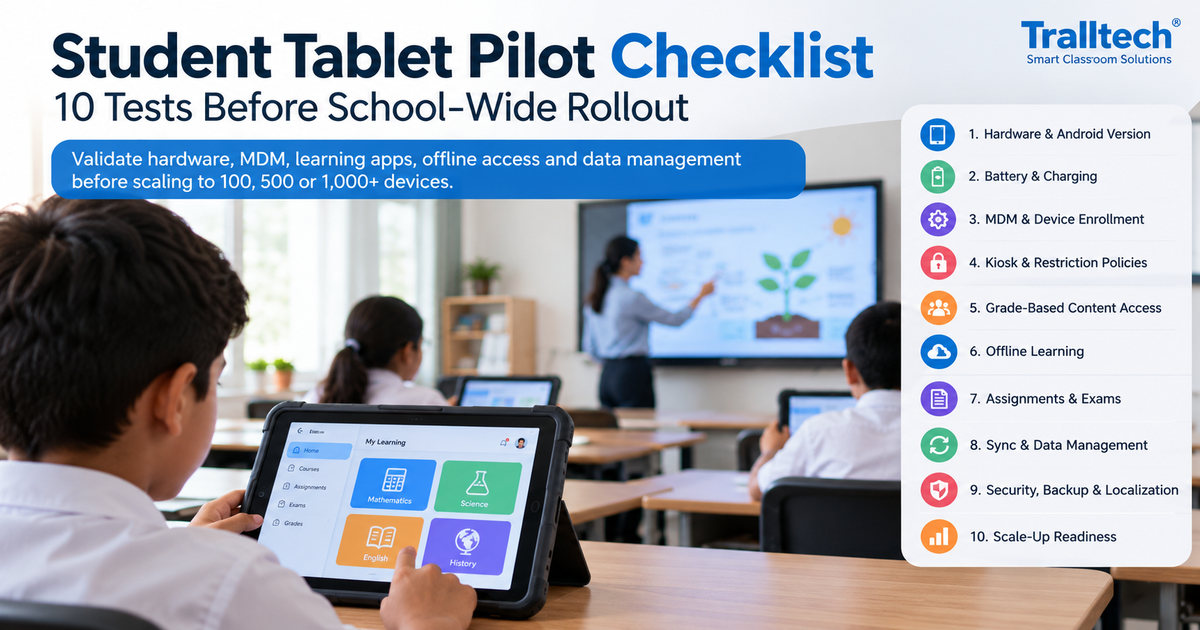
Thirty devices used by six different classes a day cannot be maintained by visiting each machine. Without central management, within one term you have thirty different configurations, unapproved apps, and no way to push a security update.
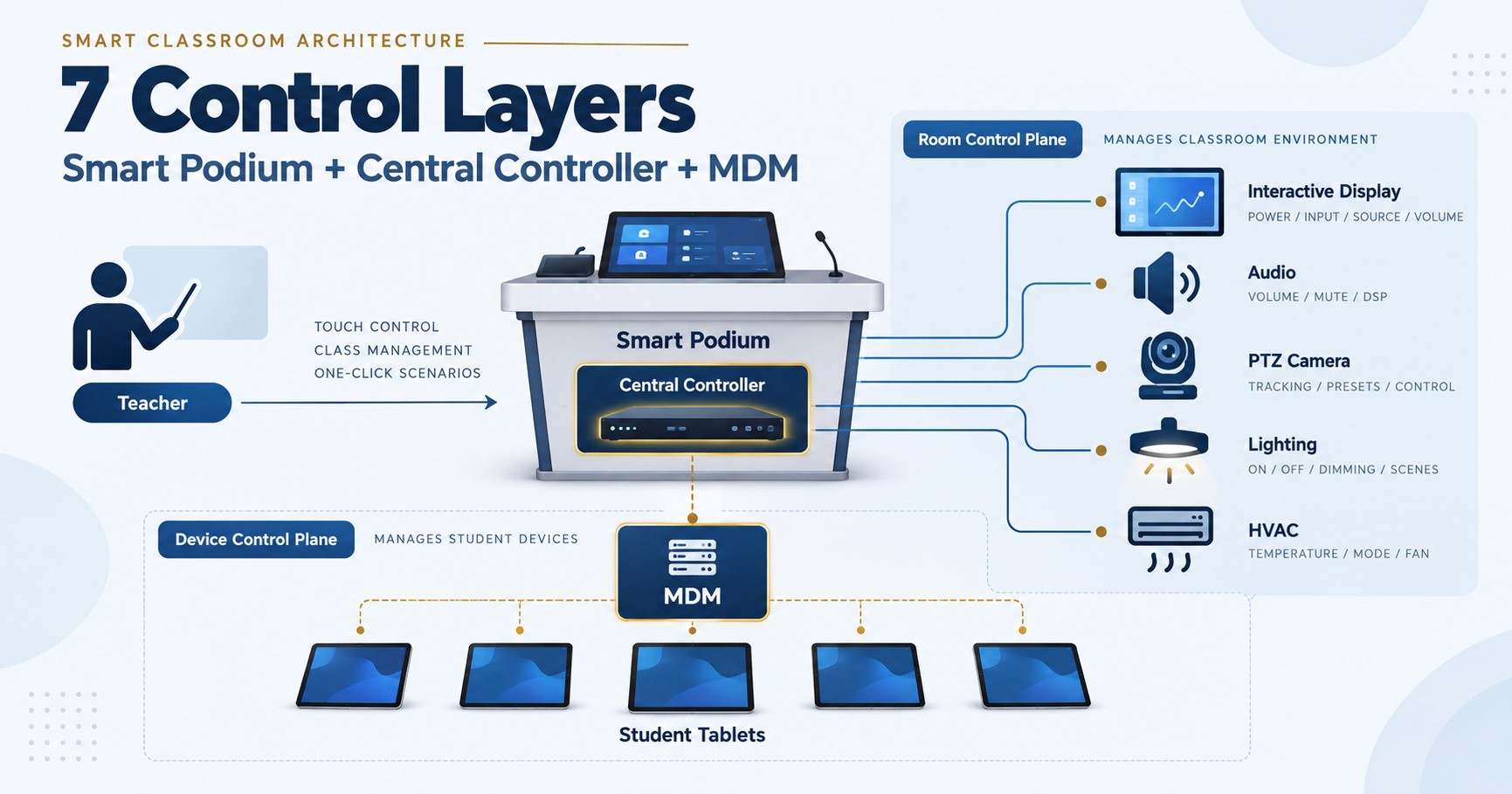
Specify it explicitly: central enrolment at first boot, remote lock and wipe, app allow-listing, and over-the-air updates. For Android devices, ask for Device Owner provisioning registered at the factory — it is the difference between enrolling a shipment centrally and unboxing thirty tablets one at a time. Tralltech registers Device Owner at the factory on the tablets and panels we build, because retrofitting it in the field is slow and unreliable.
6. The teacher display’s audio path
Almost every ICT lab schedule includes a large interactive display for demonstration. Almost none specifies what its audio connects to. On an interactive flat panel the external audio output is line-level — it carries signal, not power. It cannot drive a passive speaker directly, and the panel’s own built-in speakers are sized for notification sounds, not for a room of thirty.
Budget an active speaker pair with line-level input into the BOM at specification stage. It is a small cost that prevents the room failing its audio acceptance test. We cover the two standard signal chains in full in our classroom audio design guide.
Desktops, mini PCs or tablets?
This decision changes about a third of the bill of materials, so make it before you price anything else.
| Desktop / mini PC | Android tablet | |
|---|---|---|
| Power per seat | ~110 W with monitor | ~10 W while charging |
| Cabling | 30 data drops + 30 sockets | Wi-Fi only; trolley needs one socket |
| Survives a power cut | No | Yes — battery keeps teaching |
| Room can be shared | No, the lab is the lab | Yes — the trolley moves between classrooms |
| Best for | Programming, CAD, exam labs, keyboard-heavy syllabus | Digital literacy, content consumption, unstable-grid sites |
If the syllabus is keyboard-and-code, specify desktops and budget the electrical works honestly. If the syllabus is digital literacy and the grid is unreliable, student tablets on a charging trolley deliver the same lesson at roughly a tenth of the power draw — and the trolley can serve three classrooms instead of one, which changes the cost per student, not just the cost per room.
How should this be written into a tender?
If you are helping a client draft the specification — which is where a project company stops competing on price — these are the clauses that make the difference between a room that works and a room that gets signed off and then sits idle.
- Scope of supply for network infrastructure. “The Bidder shall state whether the PoE network switch, structured cabling and electrical works are included in the offer. Where excluded, the Bidder shall state the required PoE budget and circuit capacity.”
- Offline capability. “The solution shall include a local content server capable of serving curriculum content to all workstations without an internet connection, with upstream synchronisation when connectivity is available.”
- Device management. “Devices shall support central enrolment, remote lock, application allow-listing and over-the-air updates. Android devices shall support Device Owner provisioning.”
- Audio. “The teacher display’s audio output shall be line-level and shall be connected to a powered loudspeaker system. Built-in display speakers shall not be relied upon as room audio.”
- Power protection. “UPS protection with pure sine wave output and automatic voltage regulation shall be provided for the network switch, server and teacher station at minimum. Bidders shall state runtime at rated load.”
- Services. “The offer shall include installation, commissioning, a stated number of teacher training days, a spare parts kit and the warranty period.”
Six clauses. They cost nothing to add, they are technically neutral, and they eliminate every bidder who is quoting thirty computers and calling it a lab.
Frequently asked questions
How much power does a 30-seat computer lab use?
Around 3,300 W for the workstations and monitors alone, at roughly 90 W per small-form-factor desktop and 20 W per 24-inch monitor. Adding the teacher display, PoE switch, server and access points brings the total to about 4,000 W. Since a 16 A / 230 V circuit carries 3,680 W, a 30-seat lab needs at least three dedicated circuits on separate breakers. A tablet-based lab of the same size draws roughly a tenth of that.
Do I need a UPS for every computer in the lab?
No, and it is usually the wrong place to spend the budget. Back up the infrastructure — the network switch, the content server, the teacher station and the access points, roughly 500–600 W in total — on a 1 kVA UPS with pure sine wave output and automatic voltage regulation. Put the student workstations on surge protection only. This protects against data loss and equipment damage at a fraction of the cost of backing up all thirty seats.
Can a computer lab work without internet?
Yes, with a local content server. The server holds the curriculum on the premises and delivers it to all workstations over the room’s own network at LAN speed, syncing upstream only when bandwidth is available. This matters more than most specifications recognise: on a 4 Mbps shared connection, thirty students streaming video get about 130 kbps each, which is not enough for the lesson to run.
How many access points does a 30-seat lab need?
Two. A single Wi-Fi 6 access point can associate thirty clients, but not with acceptable throughput when all thirty are loading content simultaneously, which is exactly what happens at the start of a lesson. Specify two PoE-powered access points on a controller or with a documented channel plan — and confirm the PoE switch that powers them is in someone’s scope.
What is usually missing from a school ICT lab tender?
In the schedules Tralltech reviews, six lines go missing most often: the PoE switch that powers the access points, the electrical works and circuit capacity, correctly scoped UPS protection, a local content server for offline use, device management with over-the-air updates, and the powered speakers the teacher display needs because its audio output is line-level. The computers themselves are rarely the problem.
Key takeaways
- A 30-seat lab is thirteen line items, only one of which is computers. Pricing the computers alone covers roughly 55–65% of the room.
- Run the electrical maths before quoting: about 3,300 W for the seats, against 3,680 W per 16 A circuit. Three circuits minimum.
- Back up the infrastructure, not the seats — a 1 kVA UPS on the switch, server and teacher station beats a 5 kVA unit you cannot afford.
Written by the Tralltech Technical Team · Last reviewed: August 2026
Related guides: How to Read a Virtual Lab Tender · How to Set Up an Offline Classroom · Smart Classroom Equipment List: Level 1, 2 and 3
Explore our solution: Offline Education Solution — Tralltech designs the full room, writes the tender parameters, and never contacts your end client.