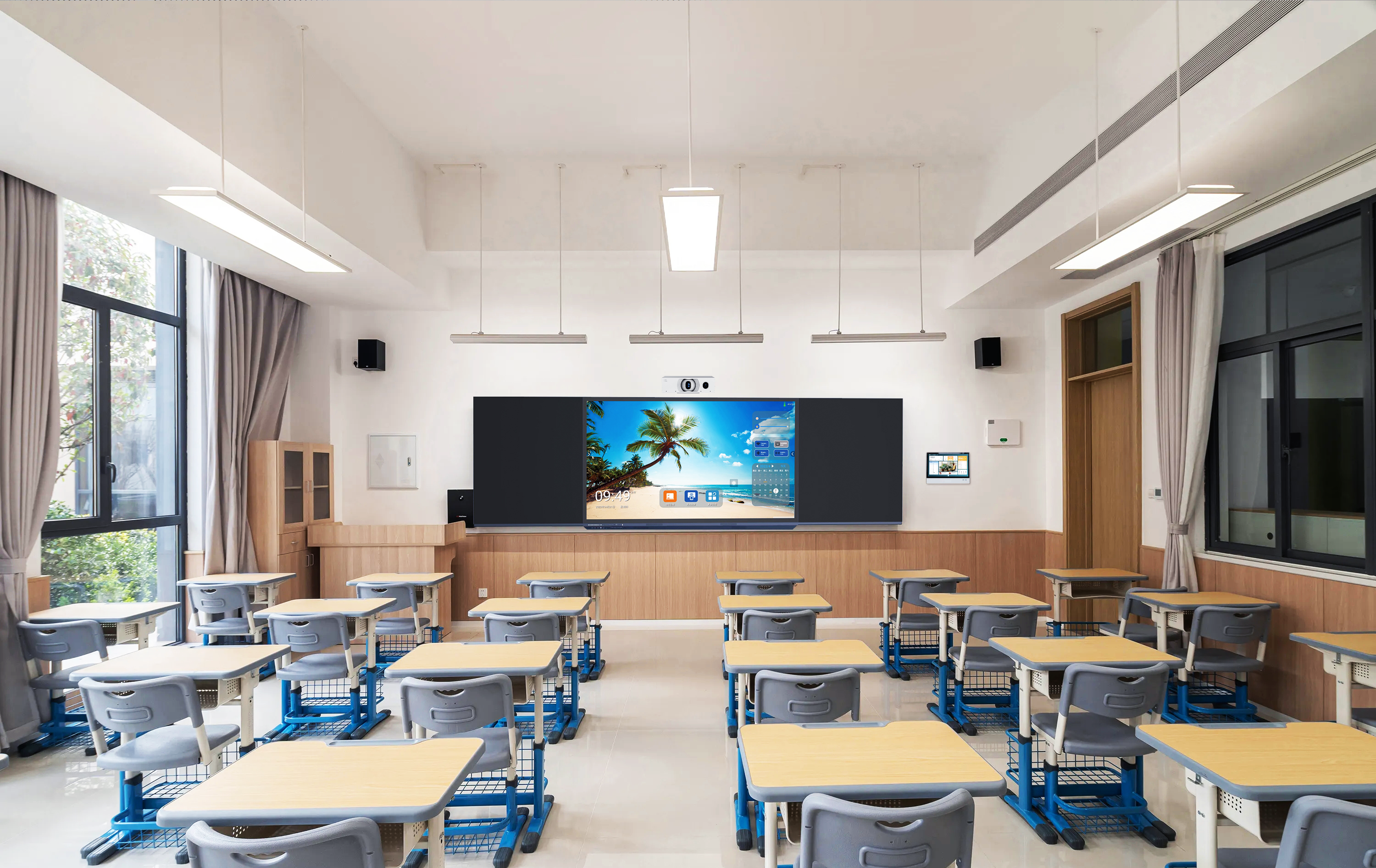
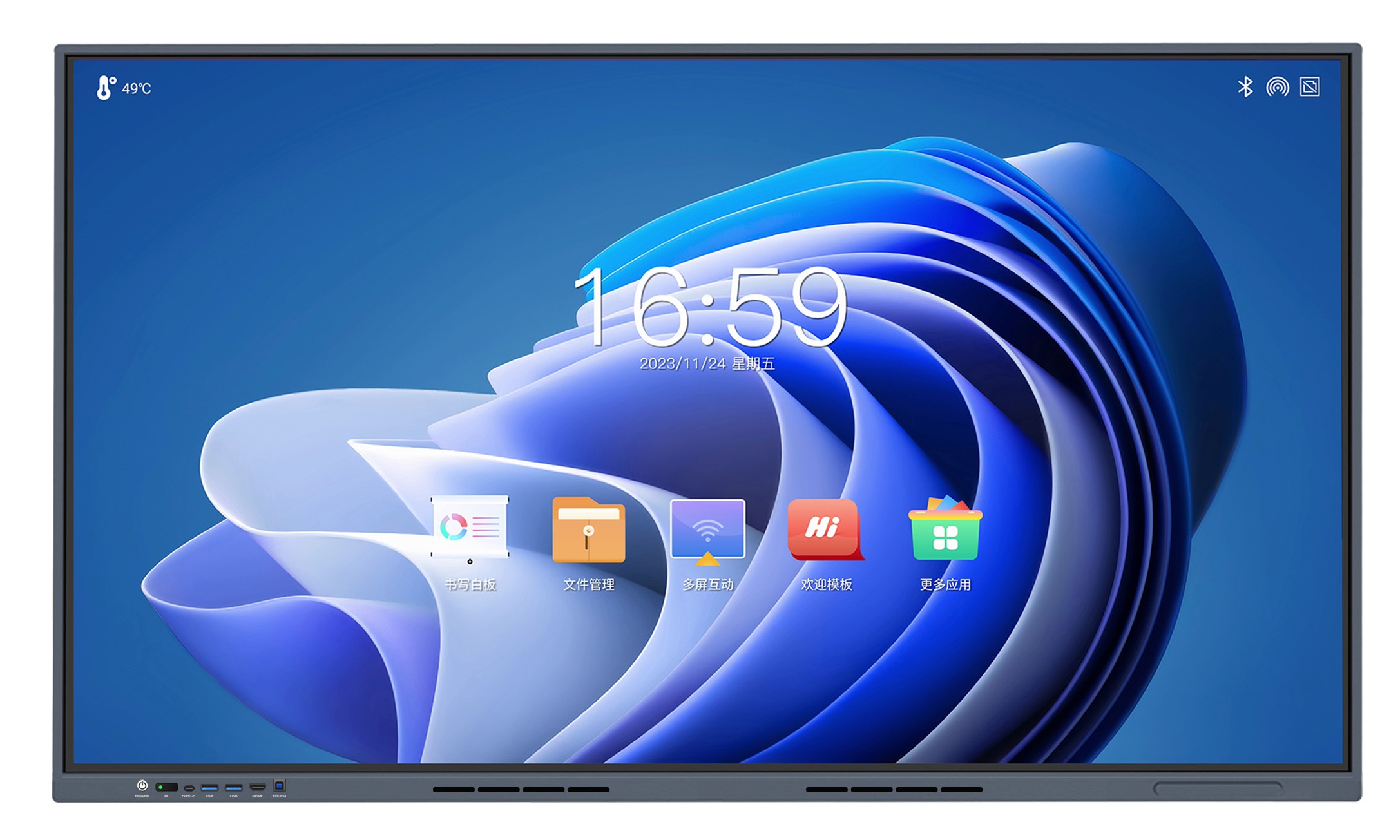
Quick answerFor almost every classroom and meeting room, 20 touch points is more than enough — it supports several people writing at once, which no normal teaching or meeting session ever exceeds. Higher counts like 40 are only genuinely useful on very large collaboration tables and video walls where many people gather around one surface. And for the actual writing experience, touch quality — accuracy, latency, palm rejection and driver-free operation — matters far more than the raw point number a spec sheet advertises.
Touch-point count is one of the easiest specs for a competitor to weaponise. It sounds like “more is better,” so a rival quotes a 40-point panel, and suddenly a buyer is asking why your 20-point display is “lower spec.” For a system integrator, the risk is being pushed to over-pay for a number your client will never use — or worse, being marked non-compliant on a tender line that was written without understanding what touch points do. This guide explains what an interactive flat panel touch point really is, how many a real room needs, and how to defend the right choice.
What a “touch point” actually means
A touch point is one simultaneous contact the panel can register and track — a finger or a pen tip. A 20-point panel can follow twenty separate contacts at the same time; a 40-point panel, forty. That is the entire claim. It says nothing about how accurately those contacts are tracked, how fast the ink appears, or whether the panel ignores a resting palm.
The practical unit is not fingers but people. One person writing uses one or two contacts. Two people at the board, each using a hand and resting the other, might use four to eight. Even an unusually busy group activity with several students drawing at once rarely crosses ten simultaneous contacts. Twenty points, in other words, is already double the ceiling of a lively classroom.
How many touch points a real room actually uses
Mapping point count to the room is the fastest way to cut through the spec-sheet noise. The table below shows where 20 points is comfortable and where a higher count starts to earn its cost.
| Room / use case | People touching at once | Is 20-point enough? |
|---|---|---|
| Standard classroom (teacher-led) | 1–2 | Yes, with wide headroom |
| Boardroom / meeting room | 1–2 | Yes |
| Group-activity classroom | 2–4 | Yes |
| Large collaboration table / video wall | 5+ around one surface | This is where 40+ can help |
The pattern is clear: a standard interactive flat panel in a classroom or meeting room lives entirely inside the 20-point envelope. The scenarios that consume more are specialist collaboration surfaces — not the rooms most education and enterprise projects are actually buying.
Why touch quality beats touch count
If a teacher complains about a panel, it is almost never “it only tracks 20 fingers.” It is lag between pen and ink, a wobbly line, a stray palm mark, or a driver that has to be installed on every PC. Those come from touch quality, and they are the specs worth scrutinising:
- Accuracy. How closely the ink follows the pen tip — a panel tracking to around ±1mm feels like writing on paper; a loose one feels like drawing with a mouse.
- Latency. The delay between contact and ink. A response in the order of ≤15ms reads as instant; anything sluggish breaks the writing illusion no matter how many points it claims.
- Palm rejection and pen recognition. A good surface lets a user rest a hand while writing, and can tell a thick eraser gesture from a thin pen stroke — this is what makes natural whiteboarding possible.
- Driver-free operation. A panel that works the moment a laptop is plugged in — no driver install — saves an integrator real time across a fleet, and avoids support calls later.
The Tralltech T-IFP panels, for example, use a 20-point infrared touch surface tracking to ±1mm with a sub-15ms response, driver-free, with dual-colour pen recognition — the combination that determines how the room actually feels to teach on. A bare “40 points” claim tells you none of this.
Handling a tender that specifies “≥40 touch points”
Occasionally a tender copies a “40-point” (or higher) requirement straight from another vendor’s marketing, and an integrator has to decide how to respond. A few practical moves:
- Check whether the room justifies it. If it is a normal classroom or meeting room, the count is almost certainly a copied spec, not a real need — worth raising during the clarification window if the process allows.
- Answer with the full touch profile, not just the number. Where you can propose equivalents, lead with accuracy, latency, palm rejection and driver-free operation, so the evaluator sees the panel does the job the requirement was really trying to guarantee.
- Reserve the high-count panel for the surface that needs it. If a project genuinely includes a large collaboration table, spec the higher count there and keep standard rooms on 20 points — don’t inflate every room to satisfy one line.
Reading a specification this way — separating a marketing number from the function it was meant to protect — is the same skill that wins the rest of the tender. When exact touch data is needed for a submission, the panel datasheet is available on request.
Frequently asked questions
Is a 20-point interactive flat panel enough for a classroom?
Yes. A single teacher uses one or two contacts, and even a busy group activity rarely passes ten simultaneous touches. Twenty points leaves comfortable headroom for any normal classroom, so the count is almost never the limiting factor in day-to-day teaching.
When do you actually need 40 or more touch points?
Mainly on very large collaboration surfaces — extended interactive tables or video walls where five or more people work on one screen at the same time. In standard classrooms and meeting rooms, a higher count adds cost without adding capability anyone will use.
Do more touch points mean a better writing experience?
No. The writing experience is governed by accuracy, latency, palm rejection and pen recognition, not by the number of simultaneous contacts. A precise, low-latency 20-point panel feels better to write on than a high-count panel with poor tracking.
Key takeaways
- 20 touch points covers virtually every classroom and meeting room — the real ceiling of a busy room is well under that.
- Higher counts (40+) only earn their cost on large collaboration tables and video walls, not standard rooms.
- Touch quality — accuracy, latency, palm rejection, driver-free — decides how a panel feels to write on, far more than the advertised point count.
- Treat a tender’s touch-point line as a function to satisfy, not a number to chase, and reserve high-count panels for surfaces that truly need them.
Written by the Tralltech Technical Team · Last reviewed: July 2026
Related: What Is an Interactive Flat Panel? · Choosing the Right IFP Size for a Classroom · T-IFP-86 Interactive Flat Panel · Smart Classroom Solution