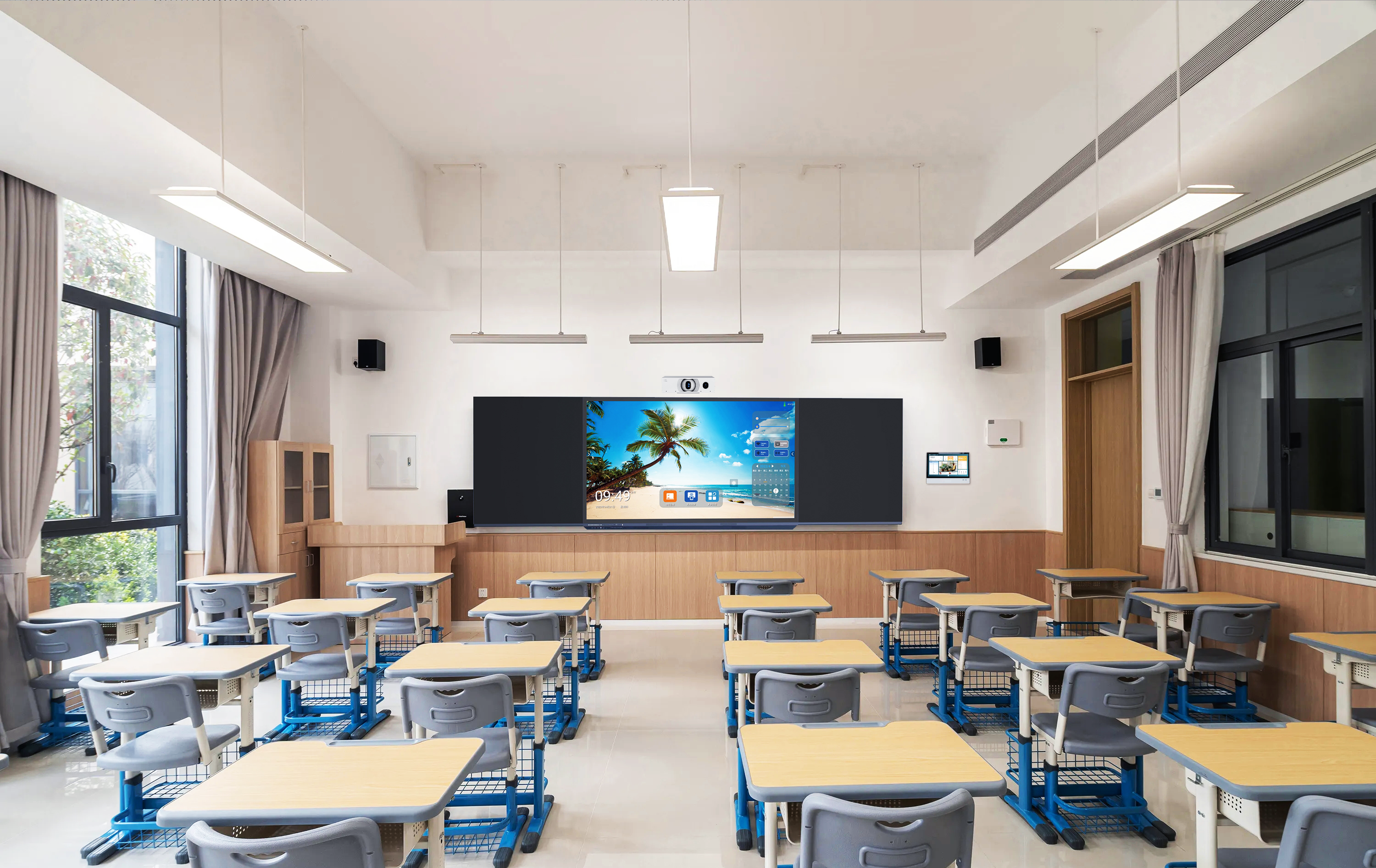
Quick answerAn interactive flat panel (IFP) is a large touchscreen display — typically 55 to 110 inches — that combines a 4K screen, multi-point touch, a built-in operating system, and connectivity for computers and peripherals. It replaces both the projector and the whiteboard in a classroom or meeting room, letting users write, annotate, run apps, and share content directly on the screen.
If you integrate AV systems for schools or enterprises, the interactive flat panel is usually the centerpiece of the room. Understanding what an IFP actually is — and what separates a good one from a cheap one — helps you specify the right product and avoid support headaches after deployment. This guide breaks down the components, the alternatives, and what to check before you order.
What an interactive flat panel actually does
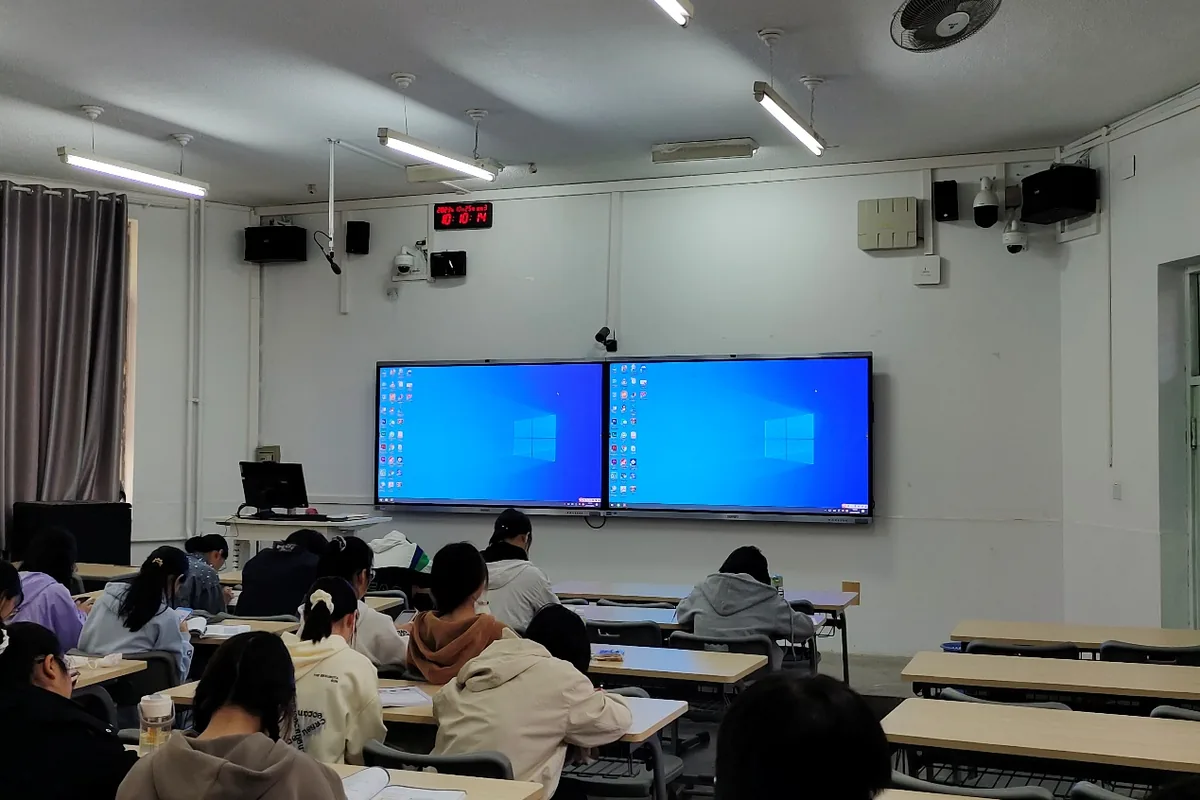
An IFP merges several devices that used to be separate. Instead of a projector, a screen, a whiteboard, and a teacher’s PC, an IFP gives you one integrated surface. Teachers and presenters can touch the screen to write, open files, run software, browse the web, and cast content from a laptop or phone — all without a separate computer in many cases, because most panels run Android out of the box.
For a system integrator, that integration is the value: fewer cables, fewer failure points, and a single device to install and support. The trade-off is that the quality of that single device matters enormously, because everything depends on it.
The key components to understand

| Component | What it does | What to look for |
|---|---|---|
| Panel | The display itself | 4K UHD resolution, anti-glare glass, 50,000-hour rated lifespan |
| Touch technology | Detects writing and gestures | 20-point infrared touch, low latency, fine writing accuracy |
| Operating system | Runs apps without a PC | Modern Android version, smooth launcher, easy updates |
| OPS slot | Adds a Windows PC inside the panel | Standard OPS slot so you can fit an i5/i7 module when Windows is required |
| Connectivity | Links laptops and peripherals | Multiple HDMI, USB-A and USB-C, LAN, Wi-Fi, Bluetooth |
| Audio output | Sends sound to room speakers | Line-level output (must connect to an active speaker, not a passive one) |
One detail integrators often miss: many IFPs output line-level audio, which means the panel cannot drive a passive speaker directly — you need an active speaker or an amplifier in the room. Getting this wrong is a common cause of “no sound” call-backs after installation.
IFP vs projector vs traditional whiteboard
Projectors are cheaper up front but need bulbs replaced, dim over time, wash out in bright rooms, and require shading. Traditional whiteboards are passive — no digital content, no recording, no remote sharing. An IFP costs more initially but removes consumables, works in daylight, and adds the digital layer that a smart classroom or modern meeting room needs. For most new deployments, the lifetime cost favours the IFP.
What system integrators should check before ordering
- Panel lifespan and warranty — a credible panel is rated around 50,000 hours and backed by a multi-year warranty.
- Touch accuracy and latency — test real writing, not just taps; lag ruins the teaching experience.
- OPS compatibility — confirm a standard OPS slot if your client needs Windows.
- Audio output type — confirm whether it is line-level so you can spec the right speaker.
- Certifications — CE, FCC, and RoHS are the baseline for compliant import into most markets.
- OEM options — if you want your own brand on the device, check whether the manufacturer supports it and at what minimum quantity.
Frequently asked questions
Does an interactive flat panel need a separate computer?
Not necessarily. Most IFPs run Android built-in, which covers whiteboarding, screen sharing, and basic apps. If your client needs full Windows software, you can add an OPS computing module that slots into the panel — no external PC or extra cabling required.
What sizes are available?
Interactive flat panels are commonly available from 55 inches up to 110 inches. The right size depends on room dimensions and viewing distance, which we cover in our IFP size guide.
Can the panel connect to existing room audio?
Yes, but check the output type. Most IFPs provide line-level audio, which connects to an active speaker or amplifier rather than directly to a passive speaker. Plan the audio chain at the design stage.
Key takeaways
- An IFP is an all-in-one touchscreen that replaces the projector, whiteboard, and often the teacher’s PC.
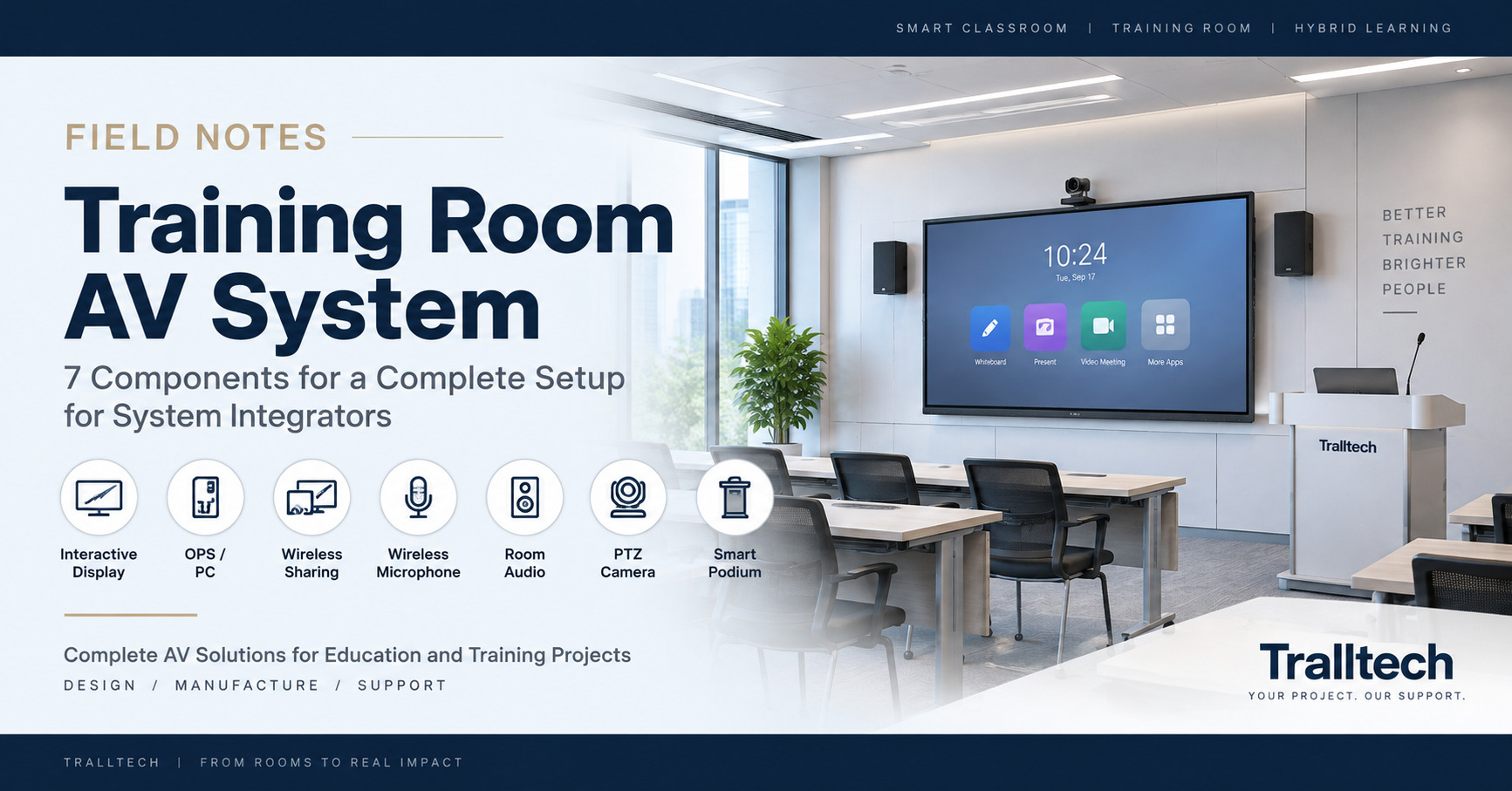
- The components that matter most are the panel, touch technology, OS, OPS slot, connectivity, and audio output type.
- For integrators, confirm OPS compatibility, line-level audio, certifications, and OEM options before ordering.
Written by the Tralltech Technical Team · Last reviewed: June 2026
Related: Interactive Flat Panels · Smart Classroom Solution · Request a sample